ATLAS changelog
Enhanced Dashboards & Widget Editor
✨ New Features & Improvements
🎨 Modernized Widget Editor Layout
Functionalities remain the same, but the widget creation and editing interface has been fully redesigned:
A new Text Size selector is available in the top-right of the editor. Choose between:
S (Small)
M (Medium)
L (Large)
This allows better visual control over chart labels and display elements.
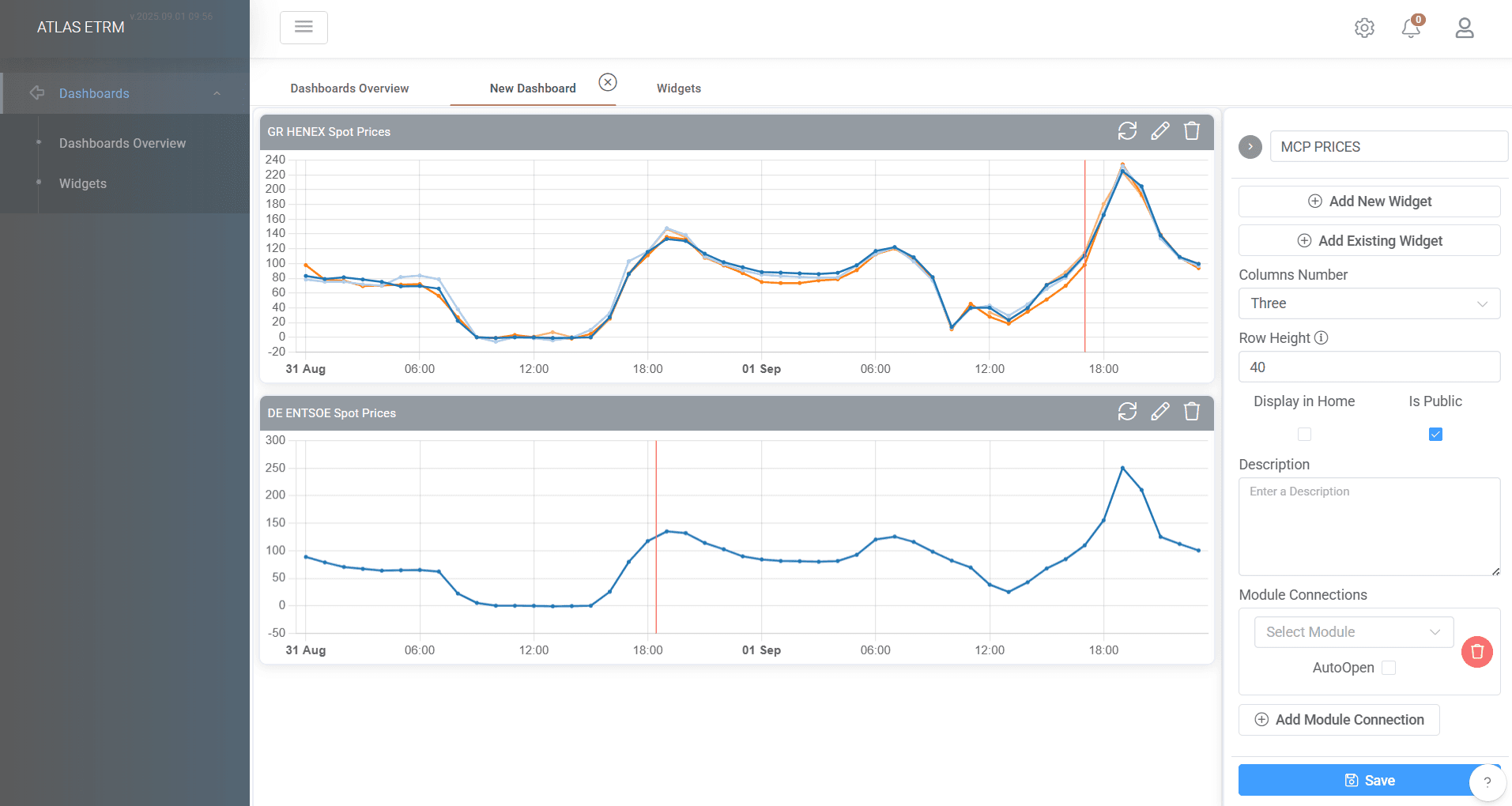
⚙️ Interactive Dashboards with Live Preview
Changes made to Dashboards editor and settings are now reflected instantly in the dashboard view.
A reload widget button has been added on top of charts.
📱 Mobile-Friendly Design
Dashboards and widgets are now fully responsive, adapting to various screen sizes.
Optimized for mobile and tablet use, allowing users to monitor and interact with data on the go.
💾 "Save As New" Functionality for Dashboards
Users can now create new Dashboards easily from existing dashboards using the “Save As New” option.
Ideal for testing changes, creating personalized views or versioning existing layouts without affecting the original.