1.2 Entering ATLAS ETRM system
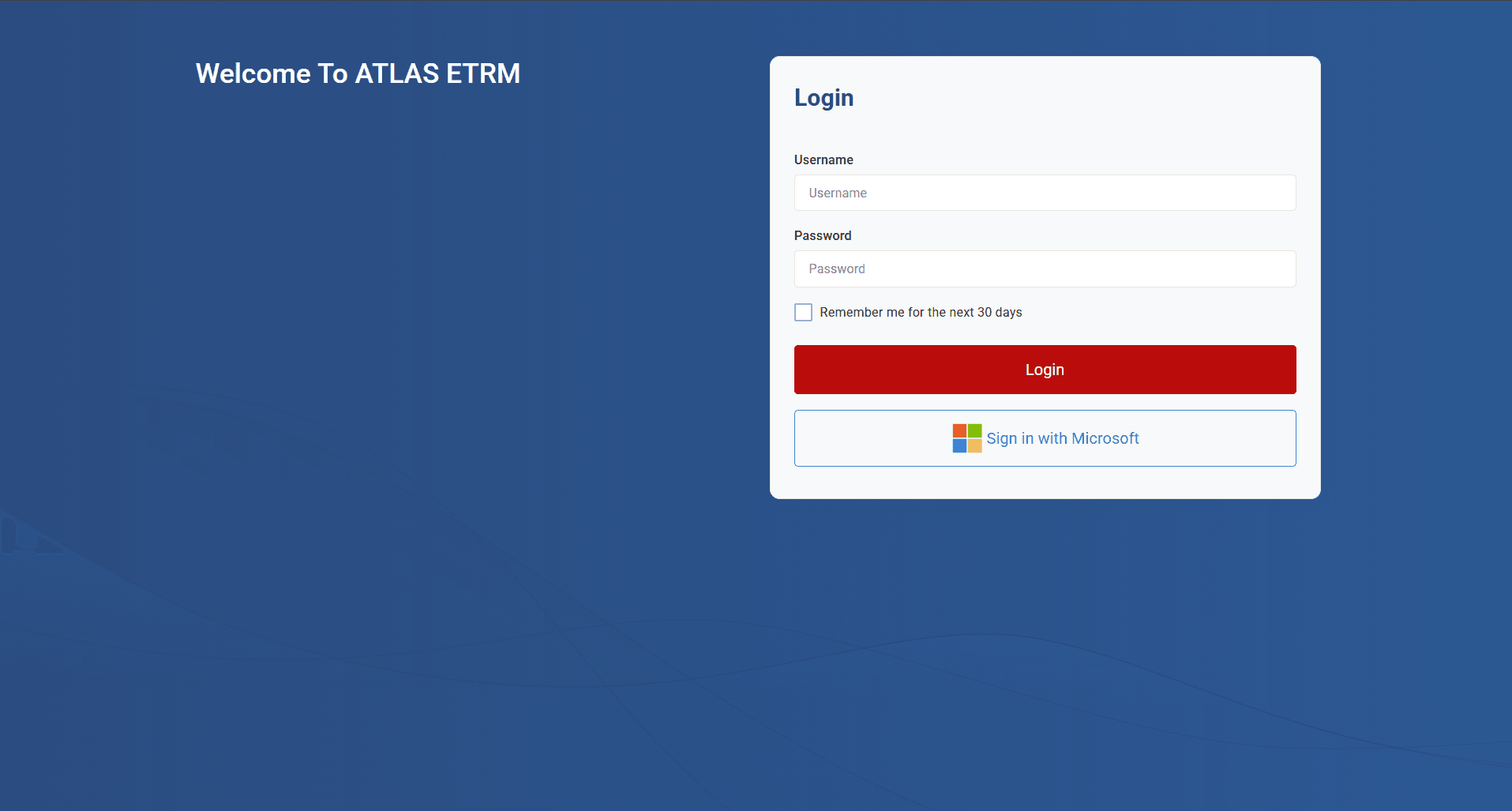
Get started - Users can access the ATLAS ETRM system through two authentication methods:
Standard Login: By entering their unique credentials (username and password) assigned specifically for the ETRM system. These credentials are managed internally and typically provided by the system administrator.
Single Sign-On (SSO): Alternatively, if configured from the IT Department of the company, users can log in via an external identity provider such as their Microsoft account, using corporate credentials. This method enables seamless access through Active Directory or Azure AD, without requiring separate login details for ATLAS ETRM.
Upon successful login, users are directed to the main screen, where they can begin interacting with the system based on their access rights. By entering the system user can see Dashboards that can be configured and customized (as described in below articles).
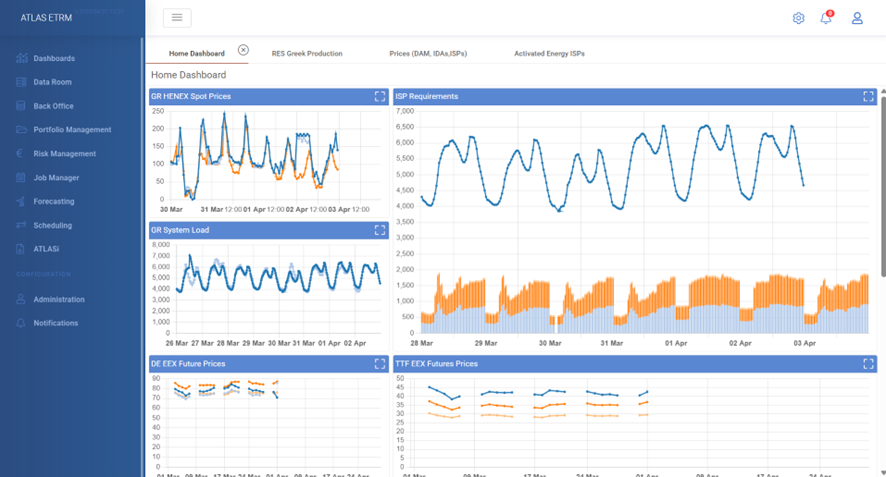
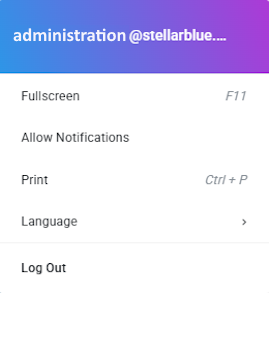
In the upper-right corner of the ATLAS ETRM window there is a button, for the user account information/options.
Was this helpful?