Data Export
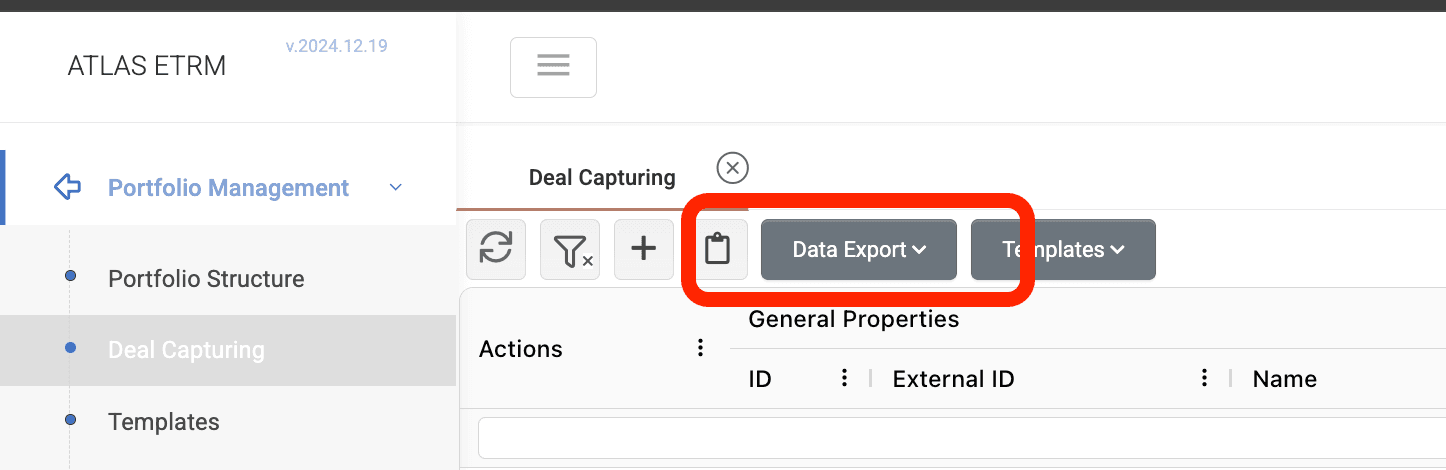
You can export Deals to Excel or CSV by clicking the Data Export button above the Deals grid.
Two export modes are available:
Full Export – Exports all data of the grid.
Filtered Export – Exports only the data that matches the active Query (i.e., your current filter).
Note: The exported Excel/CSV file always includes all columns, even if you are using a custom View in the application. Views only affect what you see on screen and do not limit the columns in the exported file.
Was this helpful?