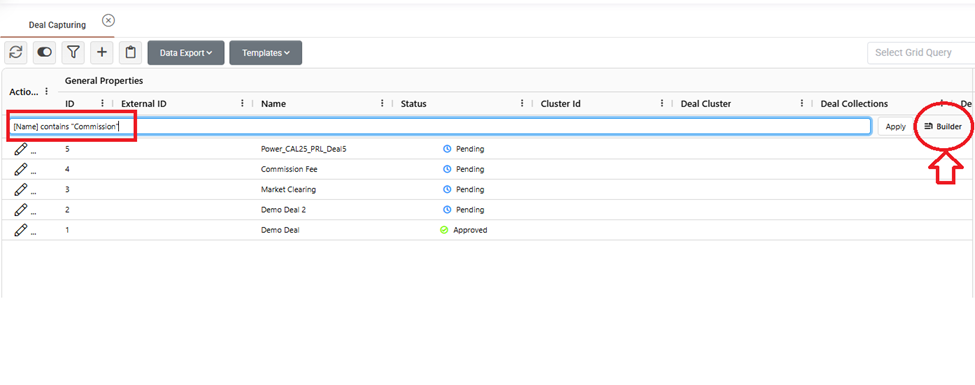
The query capabilities are now fully integrated into the grid. You can:
Write queries in text mode. Start typing and the available options will automatically appear in front of you.
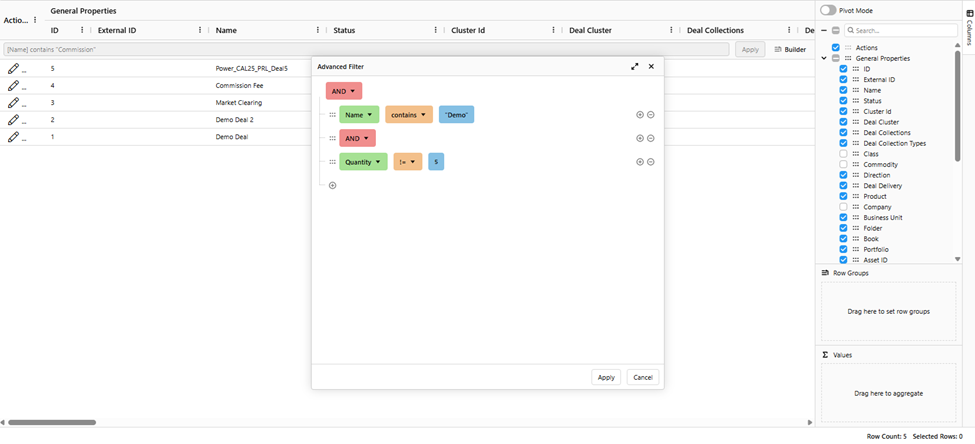
Use the builder mode to construct advanced queries as in previous grid, but in a more user friendly way.
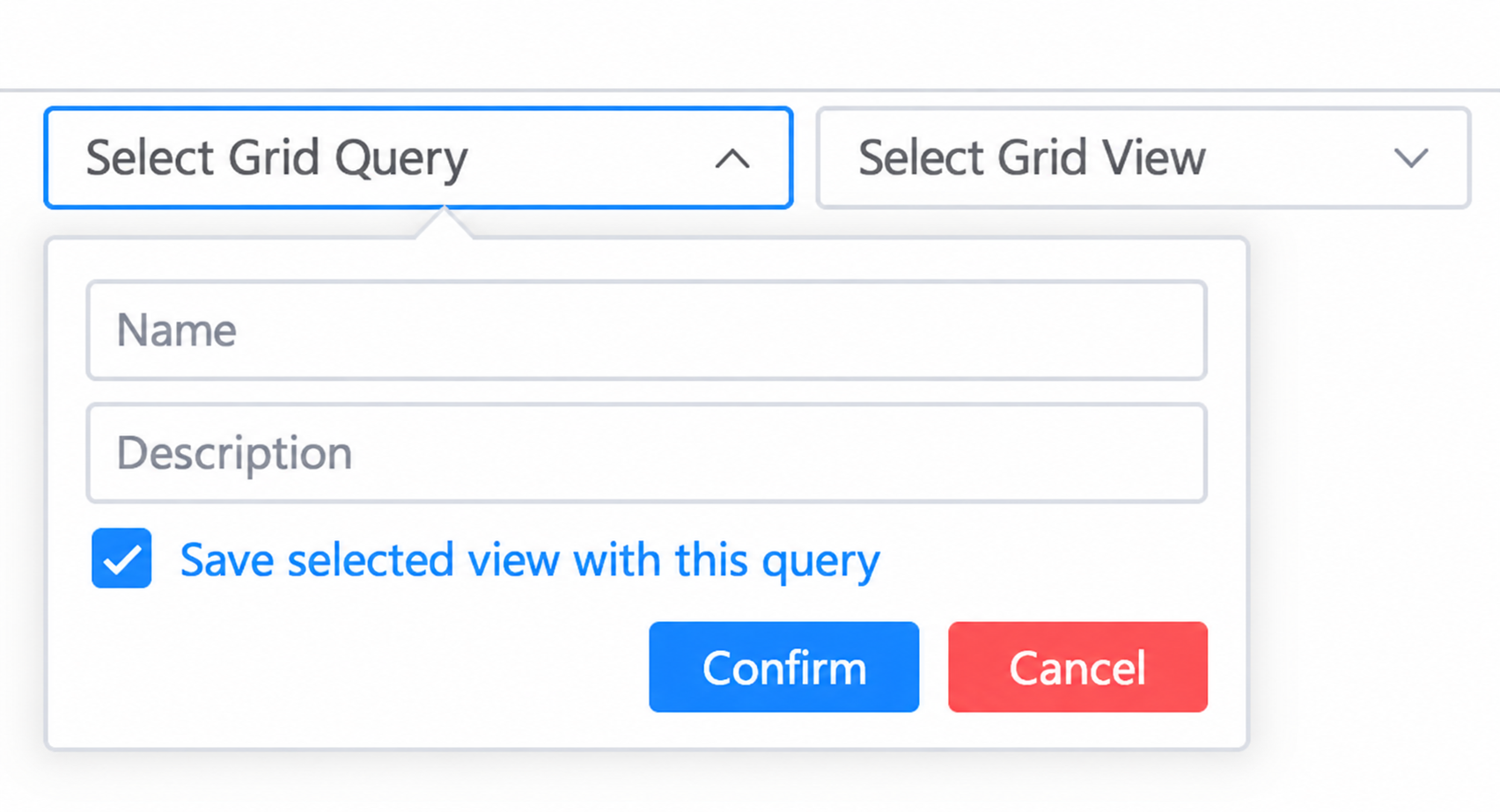
Also, you can save queries to use whenever it is needed by Save Query field on the top right of your screen (“Select Grid Query”).
You can also couple a view with a query. When creating or editing a query, select a view from the “Select Grid View” field and check “Save selected view with this query”. From then on, each time you select this query, its view is applied automatically to the grid. If you want to change it, just select another view and save the query again, or uncheck the option to remove it.