
Docs / 2. Dashboards
2.1 Dashboards
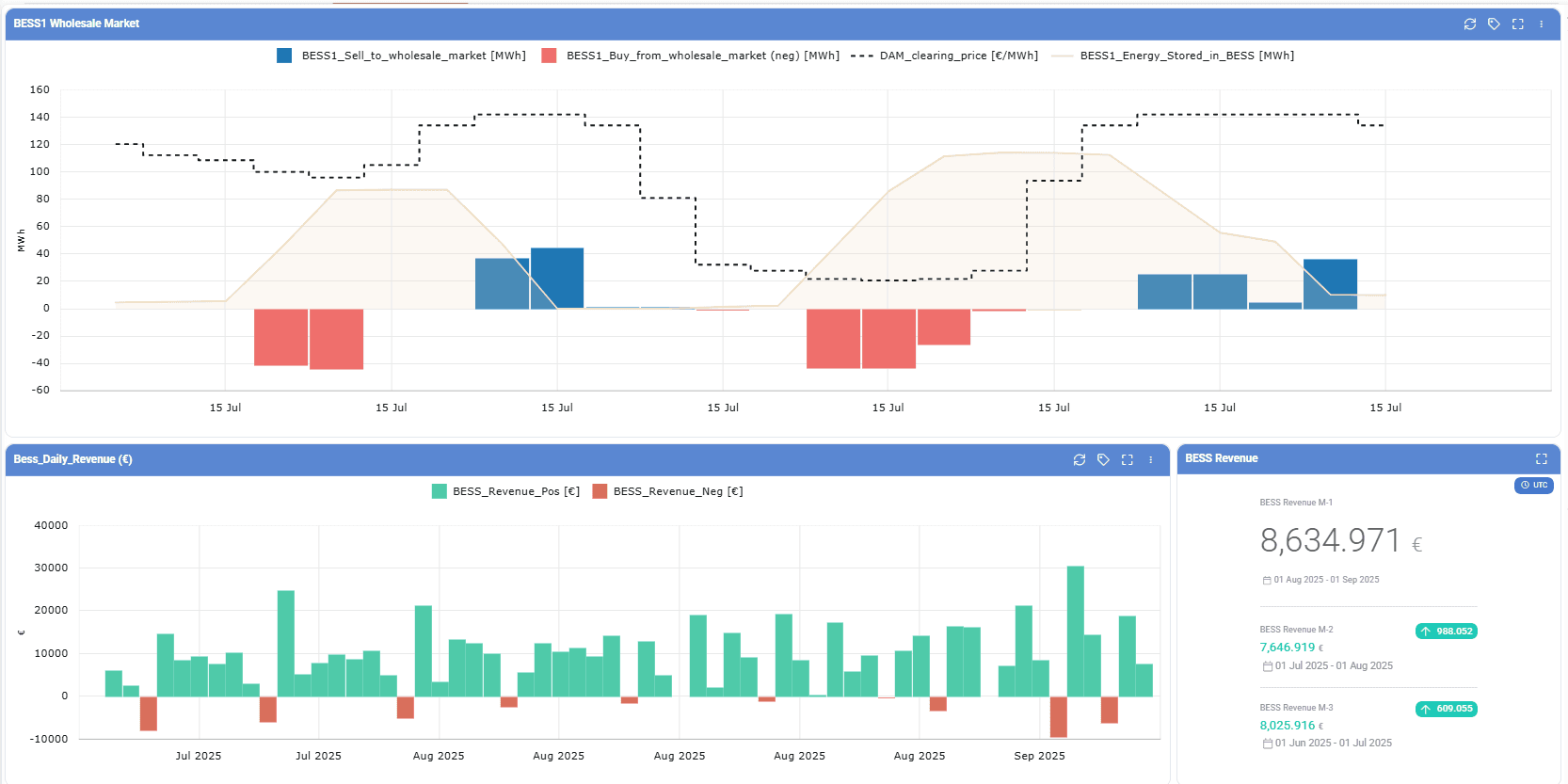
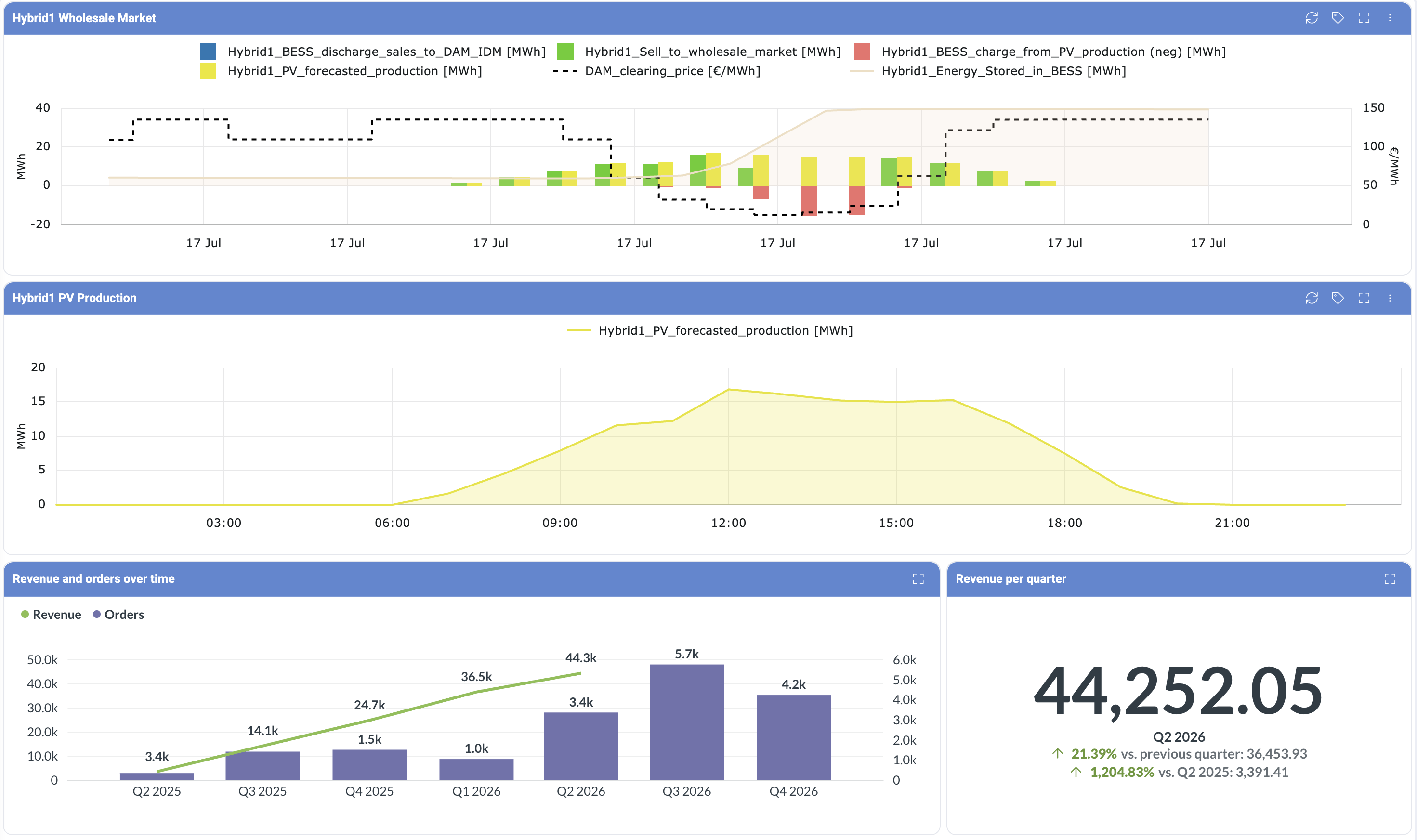
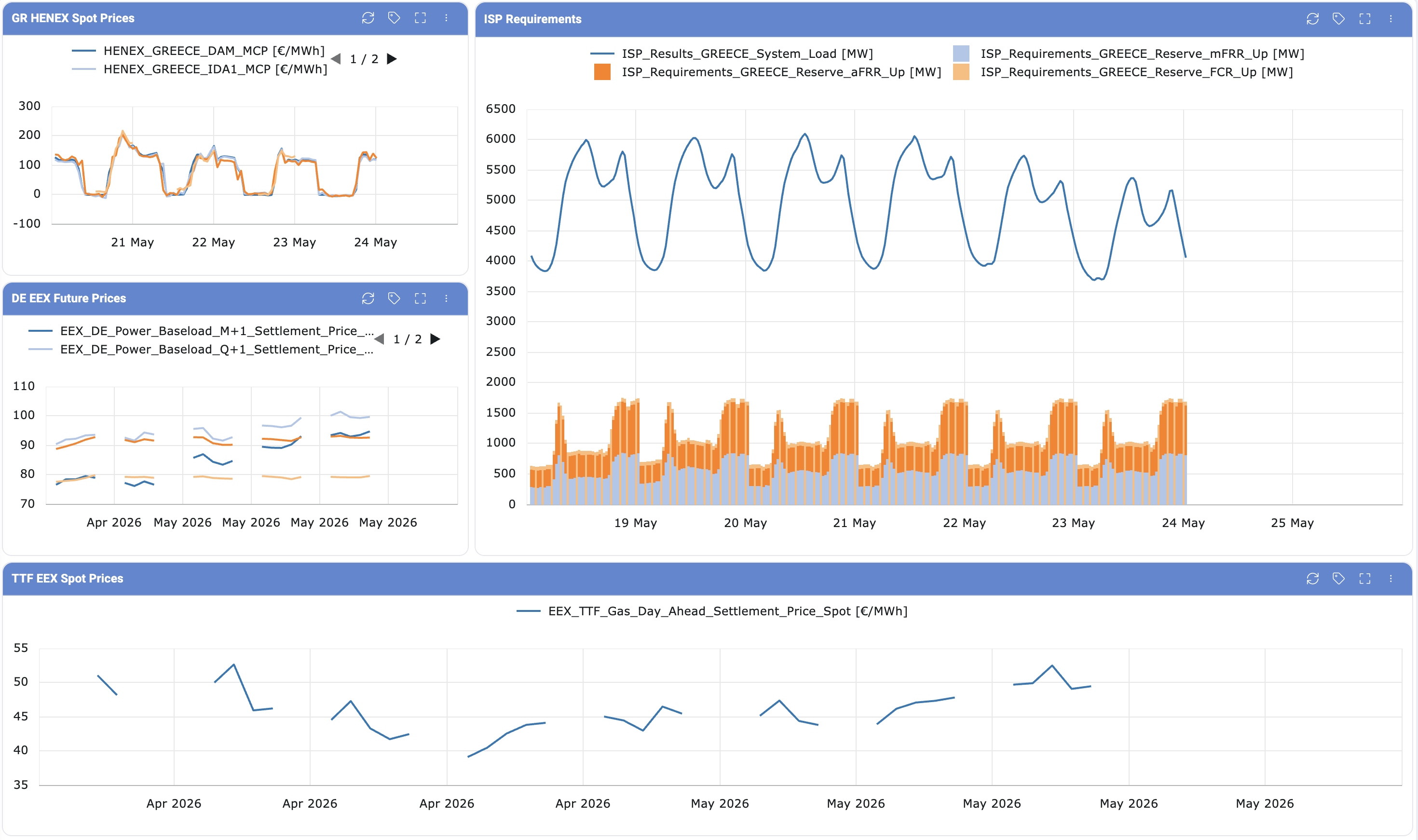
The Dashboards Module provides users with a centralized and interactive interface to monitor, analyze, and manage key data relevant to their operations. Designed to enhance visibility and decision-making, the module consolidates various data points into visually intuitive components such as charts and tables.
Through customizable widgets and real-time data updates, users can tailor dashboards to their specific needs, ensuring quick access to critical insights. The module enables efficient tracking of timeseries .
The articles below will guide users through the functionalities of the Dashboards Module, including navigation, customization options, data visualization, and best practices for optimizing its use. The Dashboards is an option at the top left-hand side of the platform (in red box). Upon accessing the “Dashboards” Module, the user will encounter two main tabs:
Dashboards Overview
Widgets
Was this helpful?