5.6 Trash Can
Overview of Trash Can
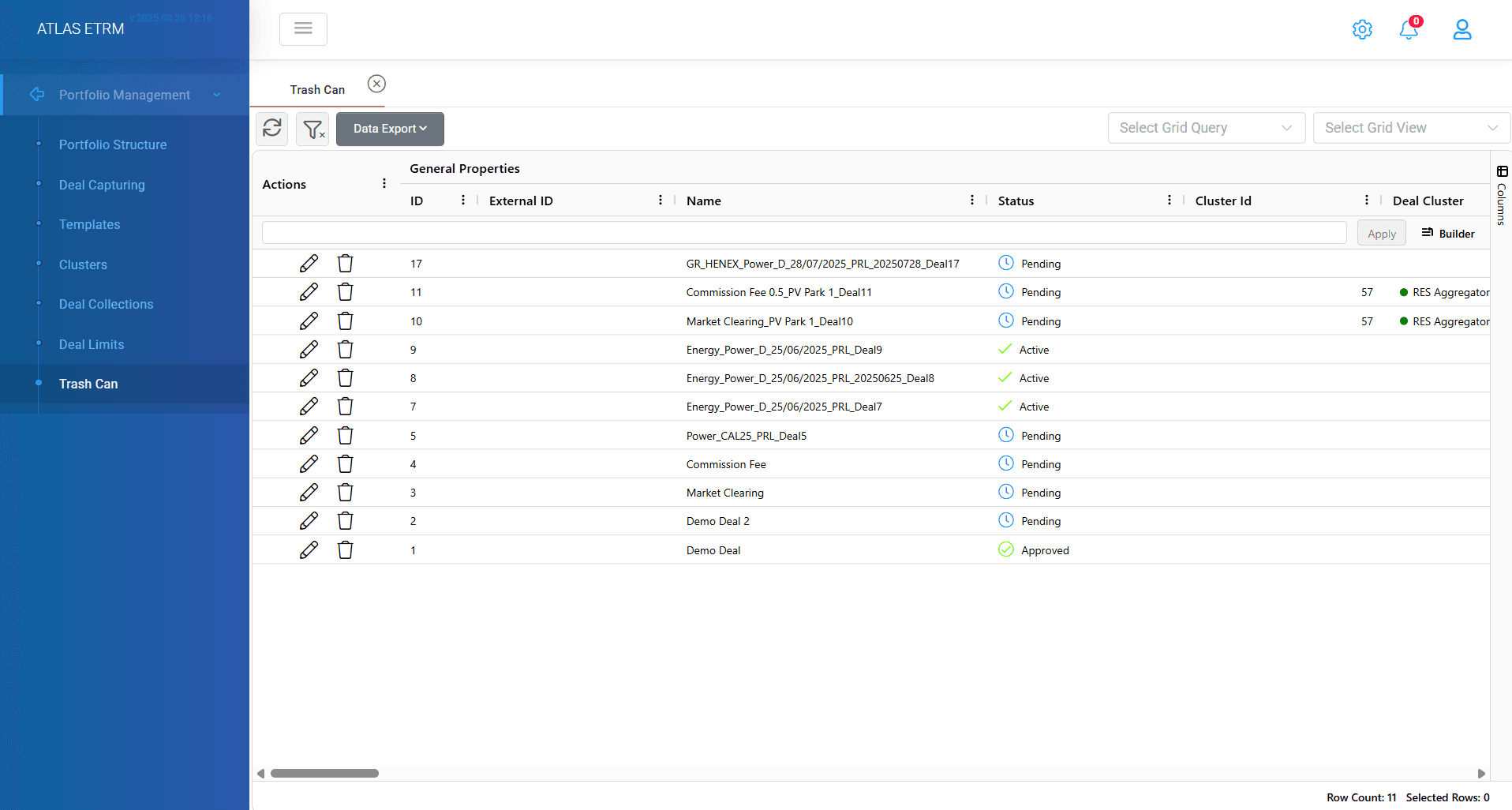
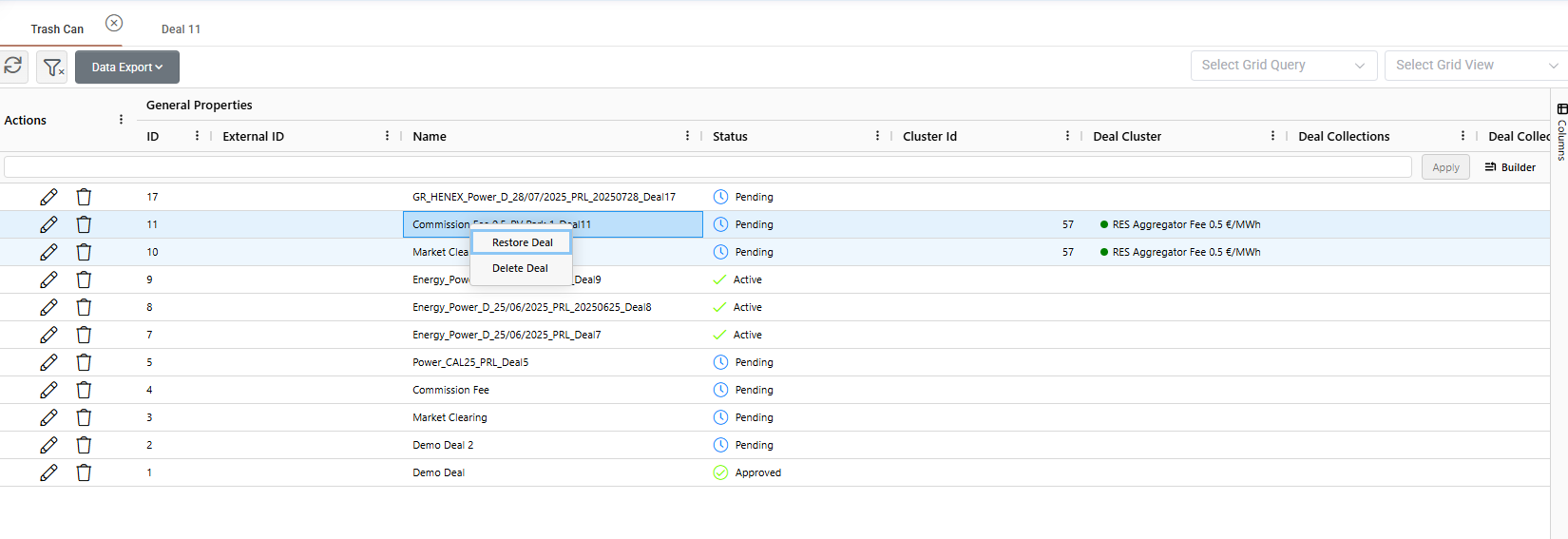
In this screen the user has access to the trash can (“softly” deleted Deals). The user can either delete a deal permanently or restore it by right clicking on a row, as shown below. The user can select multiple rows and delete or restore all together at once by right clicking. This bulk operation allows for efficient management of deals.
Lastly, user can double click on a deal to enter and see its details (this is also possible by scrolling to the right from the horizontal bar).
Was this helpful?