
Docs / 4. Back Office
4.8 Orders
Overview of Orders
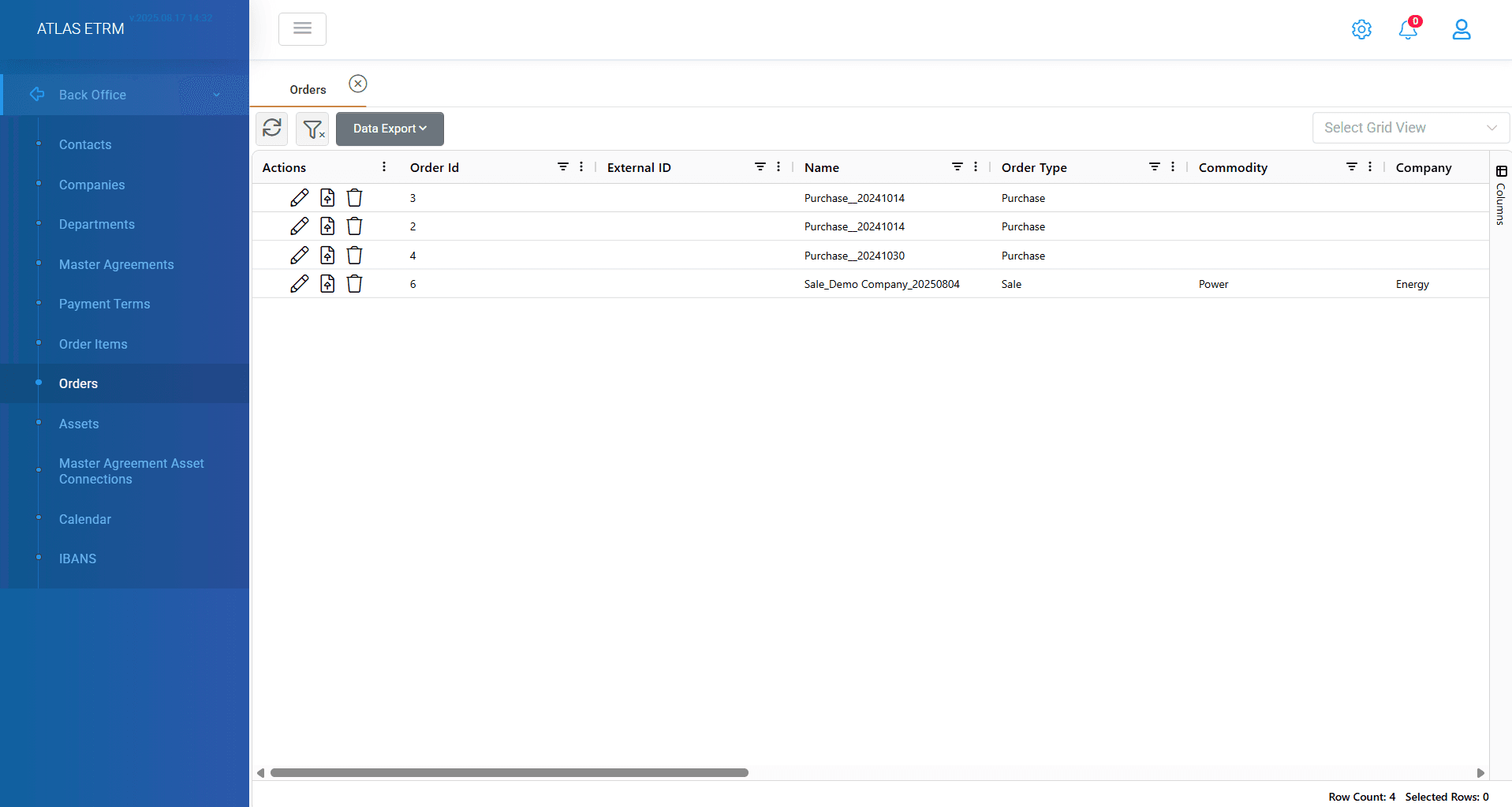
An Order consists of one or more Order Items. The Order contains the total amount to be settled with the counterparty, as per the sum of the underlying Order Items. The Order is equivalent to an Invoice, and the Order Items are equivalent to the Invoice Lines. It is called “Order” because the ETRM user will order an accounting function/system to settle the respective amount with the counterparty. Thus, several Deals (ETRM/Deal Capturing) may produce several Order Items (ETRM/Back Office) per settlement period (e.g., month) which will be settled under one Order (to be sent from ETRM/Back Office to the accounting system). Orders consist of Order Items under the “Calculated” and “Edited” status. All orders that have been created can be viewed in this tab.
View/Edit an Existing Order
Apart from the basic information, when selecting an Order from the list the user can also view/edit the list of properties linked to it. These properties shown in different tabs are:
Info: In this tab, user can only modify the following fields:
Name
Order Type
Registration Date
Due Date
Description
Erp Code
Contract Code
Document Type: User can select between invoice and self-invoice
Status: The order status from top right of screen. Order statuses are dynamic and can be configured in relevant administration section (refer to relevant article in Administration).
An example flow is described below:
This feature regards the settlement process in the SAP interface. Initially, a newly created Order is set to "Draft order by ETRM" by default. ETRM users can change this status to "Approved order by ETRM," at which point the Order is automatically forwarded to SAP, subsequently changing its status to "Forwarded order to SAP." Upon receipt and successful cross-validation with the respective counterparty—ensuring reconciliation is confirmed—the Order's status is updated to "Approved by SAP." Following approval, SAP can send a code back to the ETRM, changing the Order's status to "Received code by SAP." If an Order is rejected, its status updates to "Rejected by SAP." For Orders that are approved, SAP sends an invoice to ETRM, updating the status to "Received invoice by SAP," which allows the ETRM user to then approve the payment. Upon payment approval, the status is adjusted to "Approved Payment by ETRM." The payment process completion updates the Order's status to "Settled," whereas if the payment is only partially fulfilled, the status reflects as "Partially Settled."
Order Items: In this screen user can view all the order items that are included in the specific order and are used to produce the final invoice. User can edit/remove the order item from actions area.
Invoice: Ιn this tab, the user can only view the details of the respective Invoice. The details are:
o Invoice SAP Code
o Invoice Number
o Counterparty
o Invoice Date
o Posting Date
o Amount
o Currency
o Payment Date
Payments: In this tab, the user can view and download the details of the respective Payments. The details are:
o Payment Code
o Payment Date
o Invoice ERP Code
o Order Item
o Amount
o Currency
o Insert Date
History: In this tab a log is presented in case the Order is exchanged with the accounting system of the company based on a pre-determined flow. The user can download the afore-mentioned data in an excel or csv format.
Documents: In this tab, the user can upload, edit, download, filter and group or delete the Documents of the respective Order.
It is important after any changes to click "Save" button in top of screen.
Actions inside an order
User can perform additional actions inside an order such as:
Send to ERP
Get Invoice
Upload Invoice
Approve Payment
The above mentioned actions can be customized and perform certain actions according to client's needs after communication with our team.
Was this helpful?