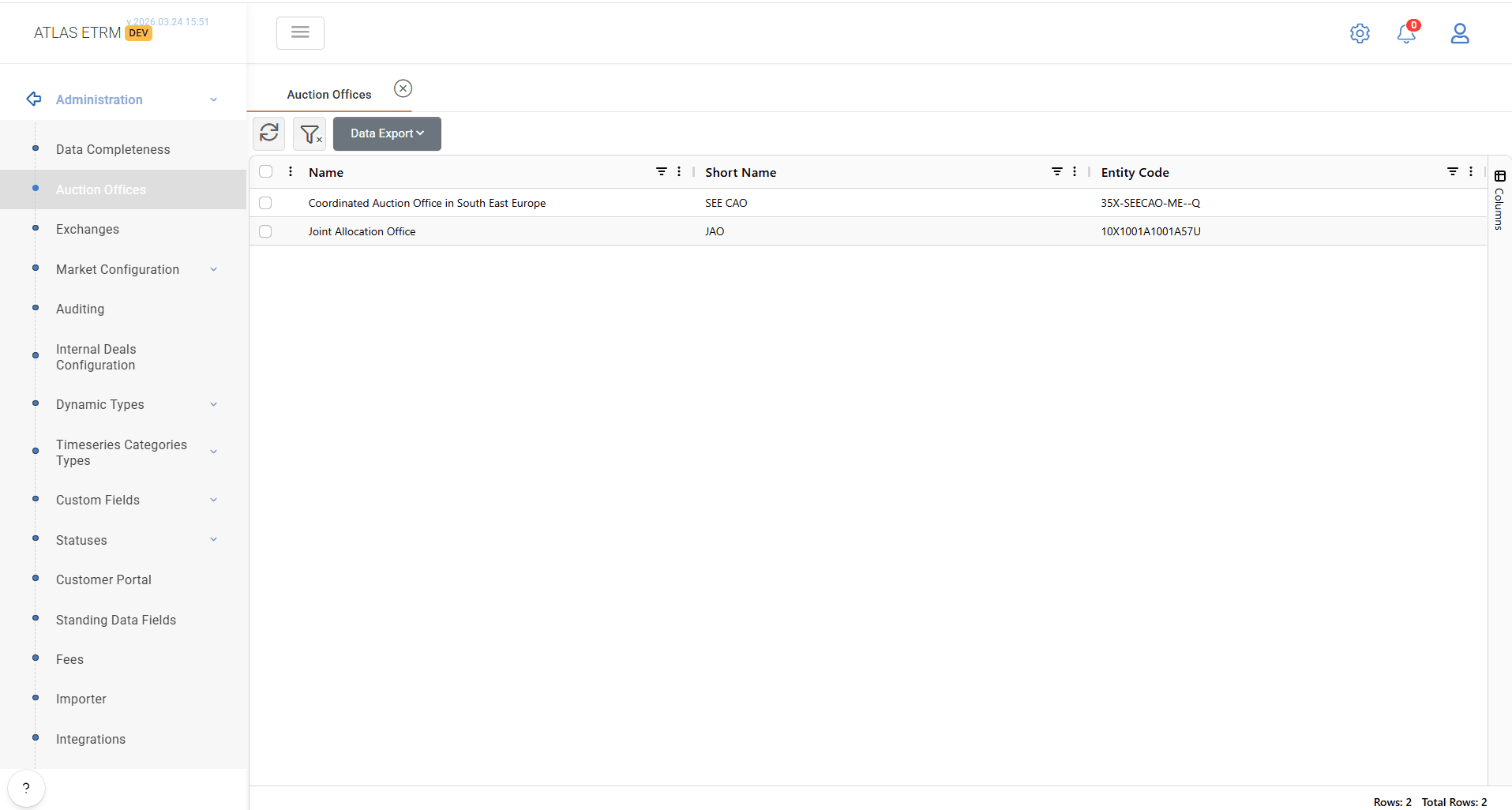
The Auction Offices screen displays all available auction offices configured in the system in a grid format.
Auction Offices represent external entities responsible for capacity allocation processes (e.g. SEE CAO, JAO) and are used across the platform for market-related configurations.
Auction Offices are system-defined entities and are not created or modified by end users; they are configured and maintained by StellarBlue.
Data View
The grid provides a structured view of the registered Auction Offices, including the following information:
Name
The full name of the auction office.Short Name
The abbreviated name used for easier reference.Entity Code (EIC)
The unique identifier of the auction office.