8. Timeseries Categories Types
Overview of Timeseries Categories Types
Timeseries Categories define how timeseries data is structured and organized across the system. They are used to group related data points and control how timeseries are displayed and utilized in different functional areas, such as Assets and Companies.
Two distinct configurations are available:
Asset Timeseries Categories, used for asset-related operational data,
Companies Timeseries Categories, used for counterparty/company-related data.
8.1 Asset Timeseries Categories
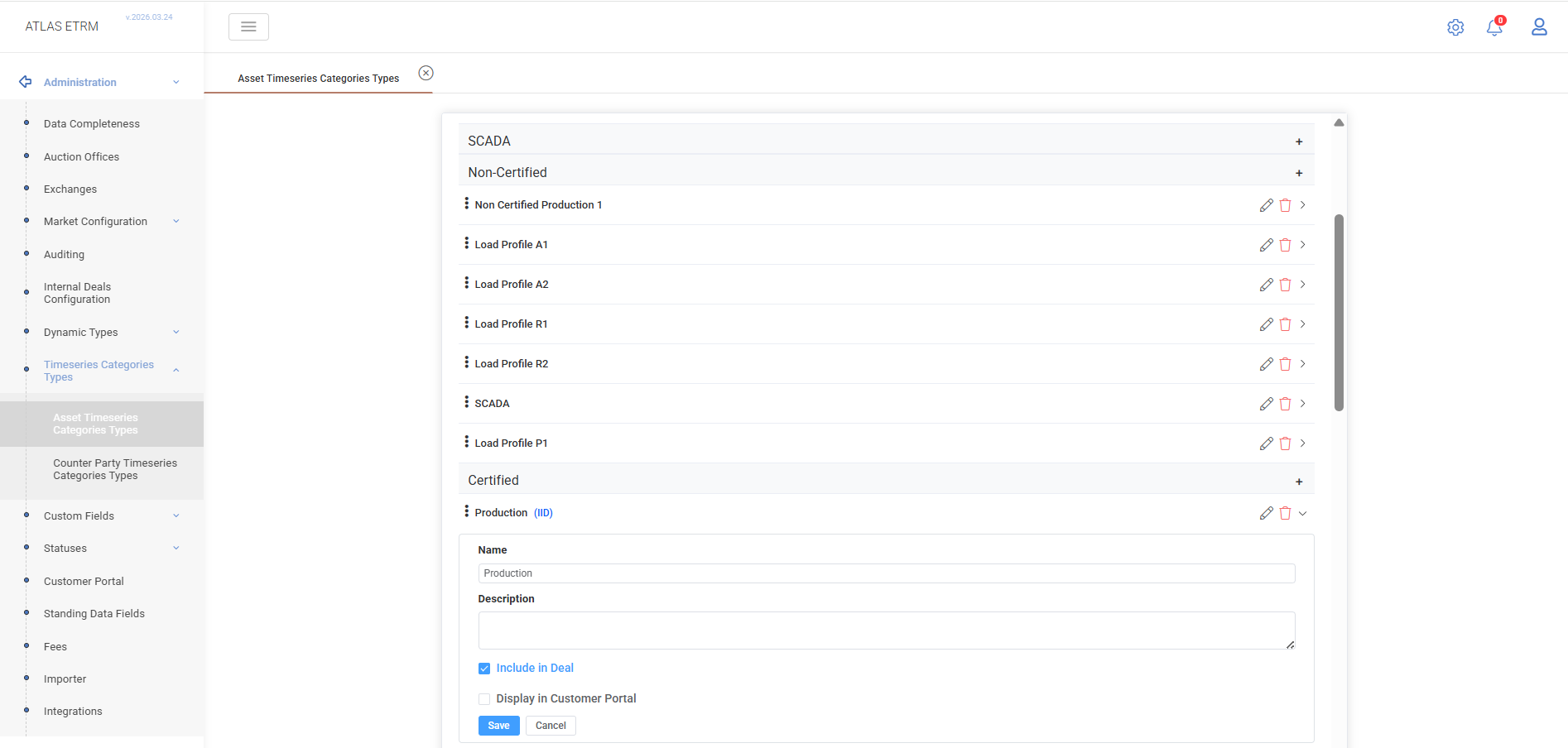
The Asset Timeseries Categories tab allows users to define hierarchical categories used in the Assets → Timeseries section.
These categories organize asset-related timeseries (e.g., Forecast, SCADA, Production, Load Profiles) into a structured tree that is reflected in the UI.
Users can:
create, edit, and delete custom categories and subcategories.
Each category includes:
Name – displayed label,
Description – optional information,
Include in Deal – marks the timeseries as eligible for use in deal creation. When enabled, it acts as the default quantity source for Asset-based deals. In Custom Deals, volumes are derived dynamically from this timeseries,
Display in Customer Portal – determines whether this Asset Timeseries Category is visible in the Customer Portal,
Editable in Customer Portal – allows customer portal users to upload or replace values for this Asset Timeseries Category.
8.2 Companies Timeseries Categories
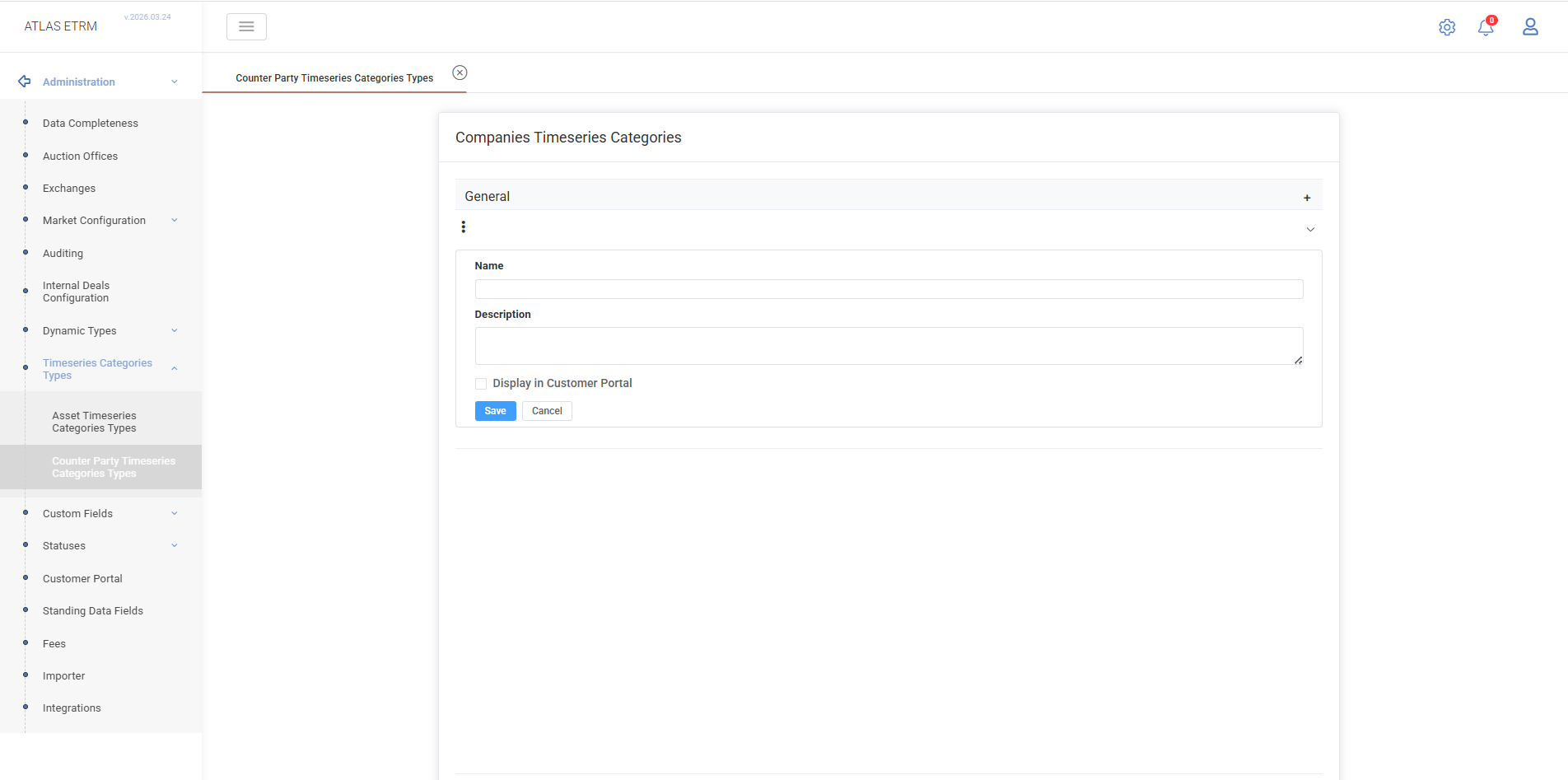
The Companies Timeseries Categories tab allows users to define categories for timeseries associated with companies.
These categories are used to organize and classify company-level timeseries data, providing a structured way to manage and present such information across the system.
Users can:
create, edit, and delete custom categories and subcategories.
Each category includes:
Name – displayed label,
Description – optional information,
Display in Customer Portal – determines whether this Company Timeseries Category is visible in the Customer Portal,
Editable in Customer Portal – allows customer portal users to upload or replace values for this Company Timeseries Category.
The configured structure is used in the Back Office → Companies → Timeseries tab section, where users can navigate categories and manage company-related timeseries data.
Was this helpful?