Entering ATLAS Customer Portal
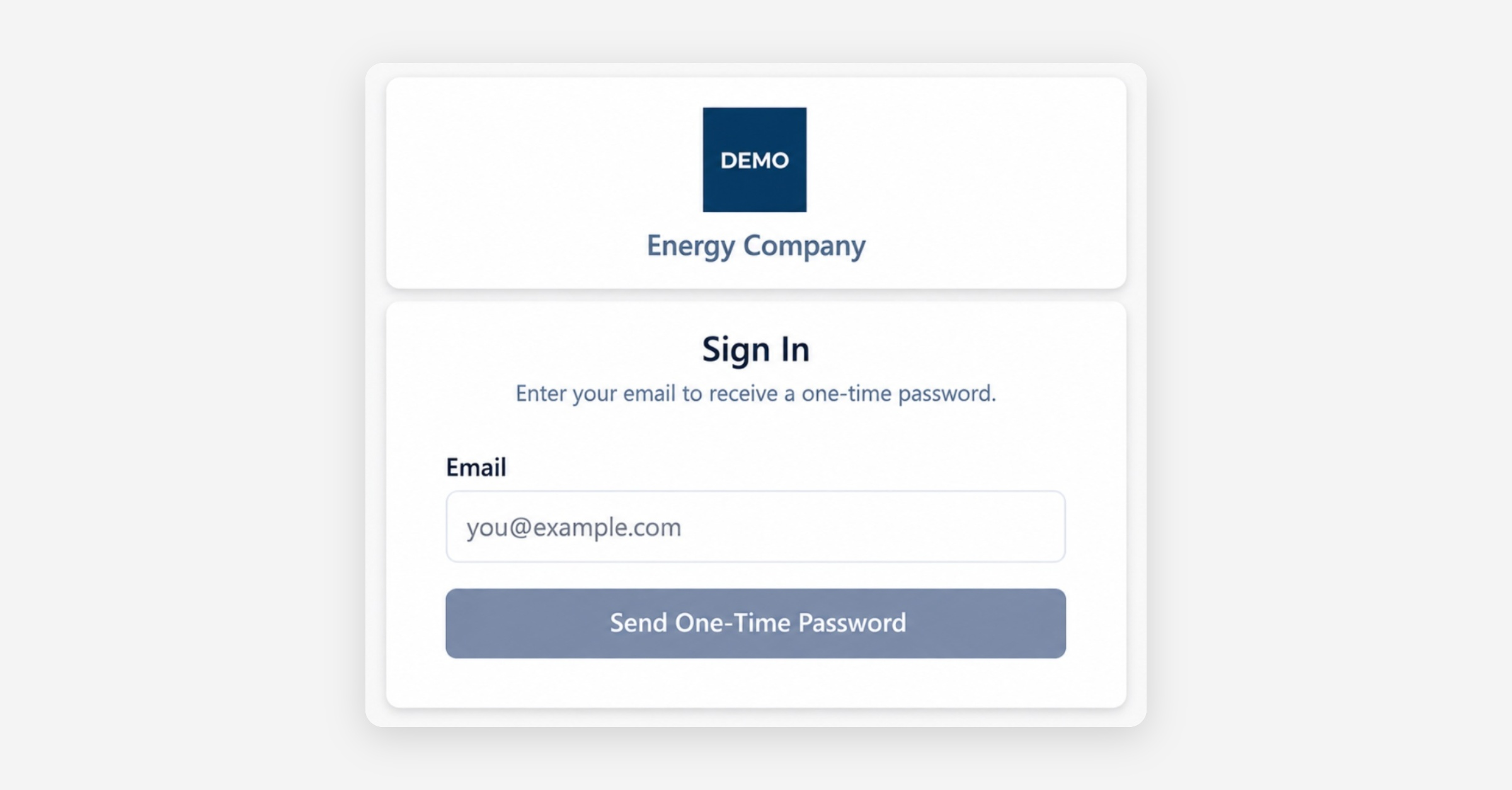
You can access the Customer Portal using the link provided by your organization. No account creation or password is required.
Signing In
Open the Customer Portal.
Enter your registered email address and select Send One-Time Password. The verification screen appears, and a one-time password is sent to your email address.
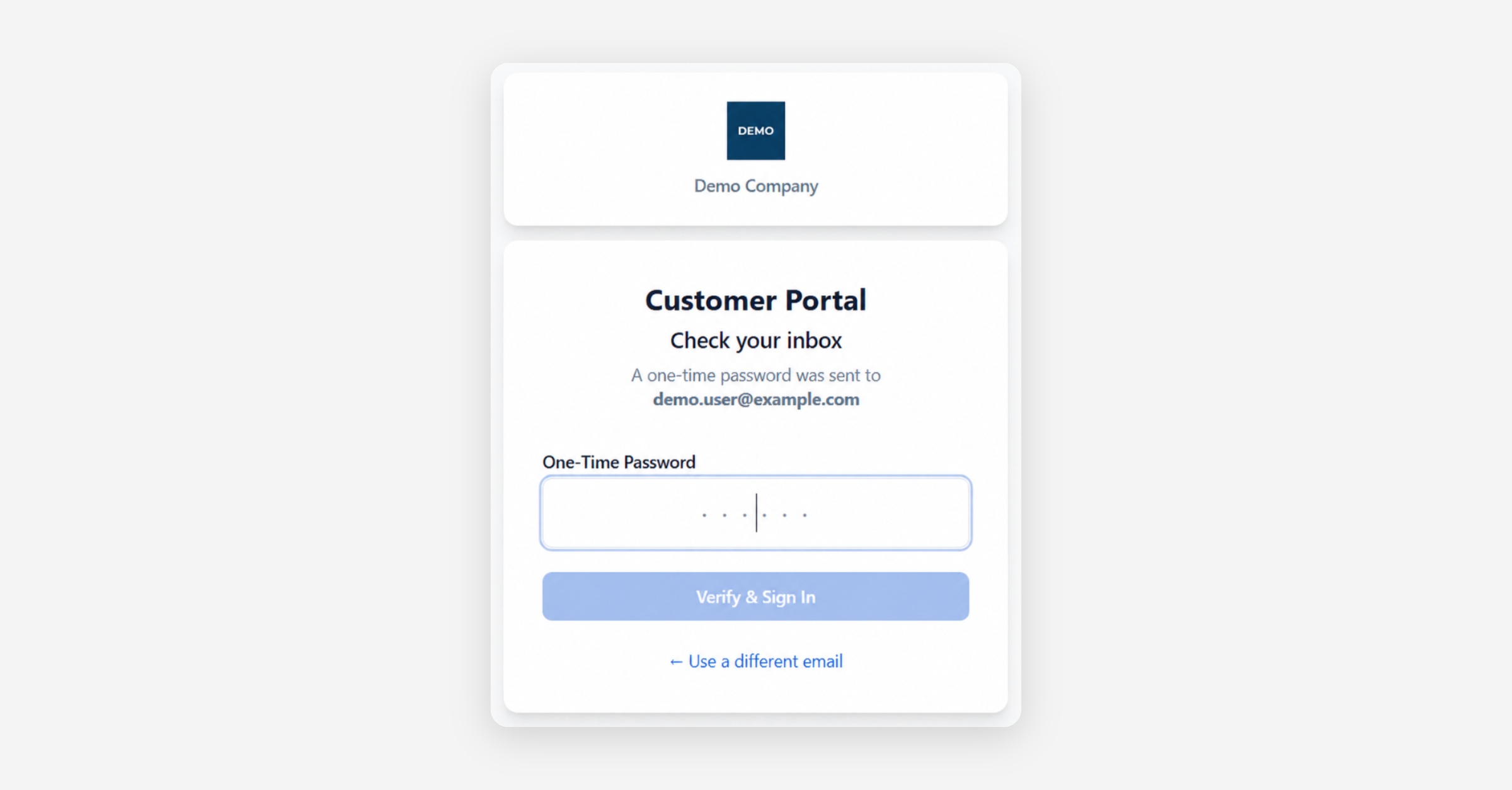
Check your inbox for the email containing your access code.
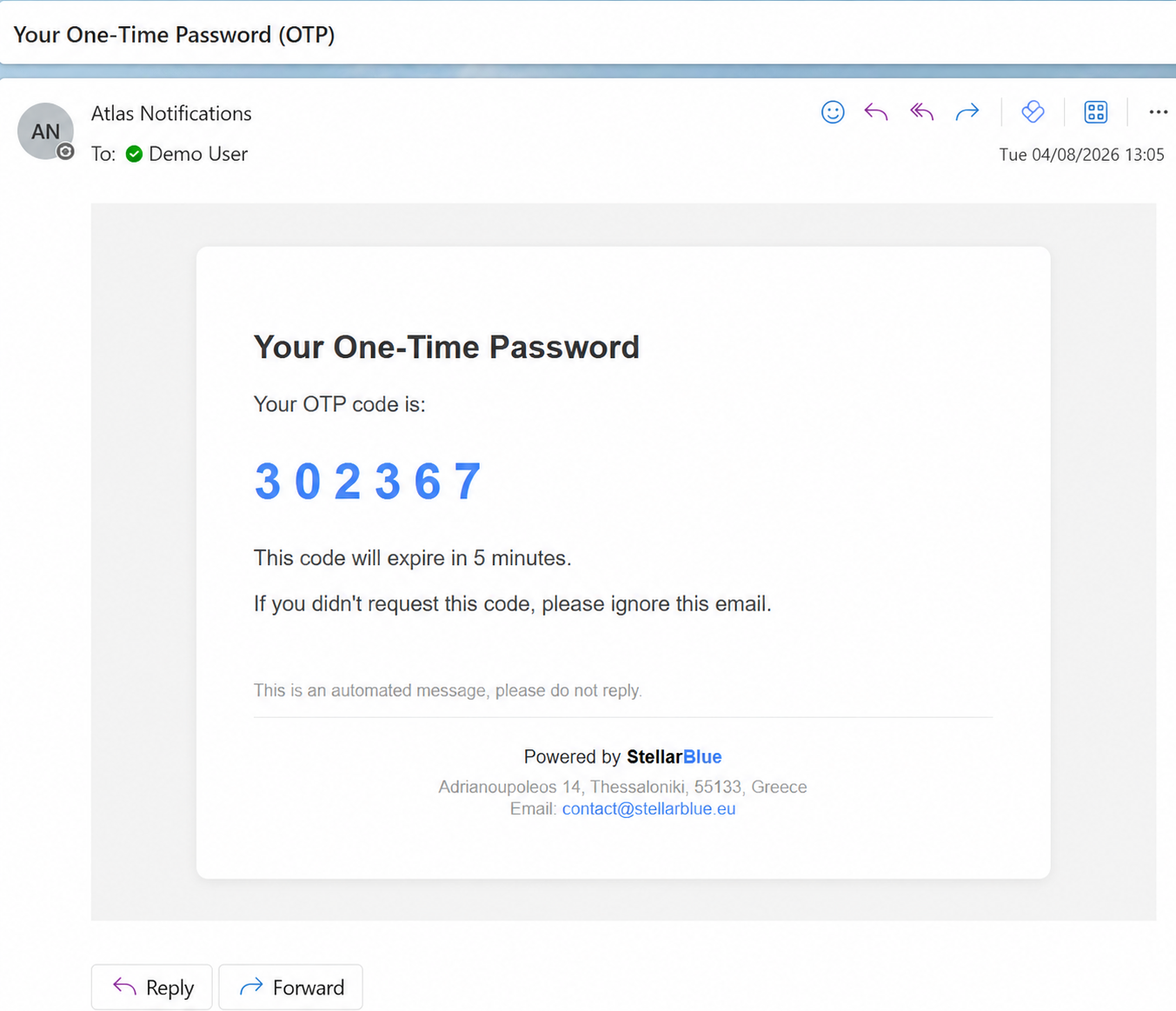
Enter the code in the verification screen and select Verify & Sign In.
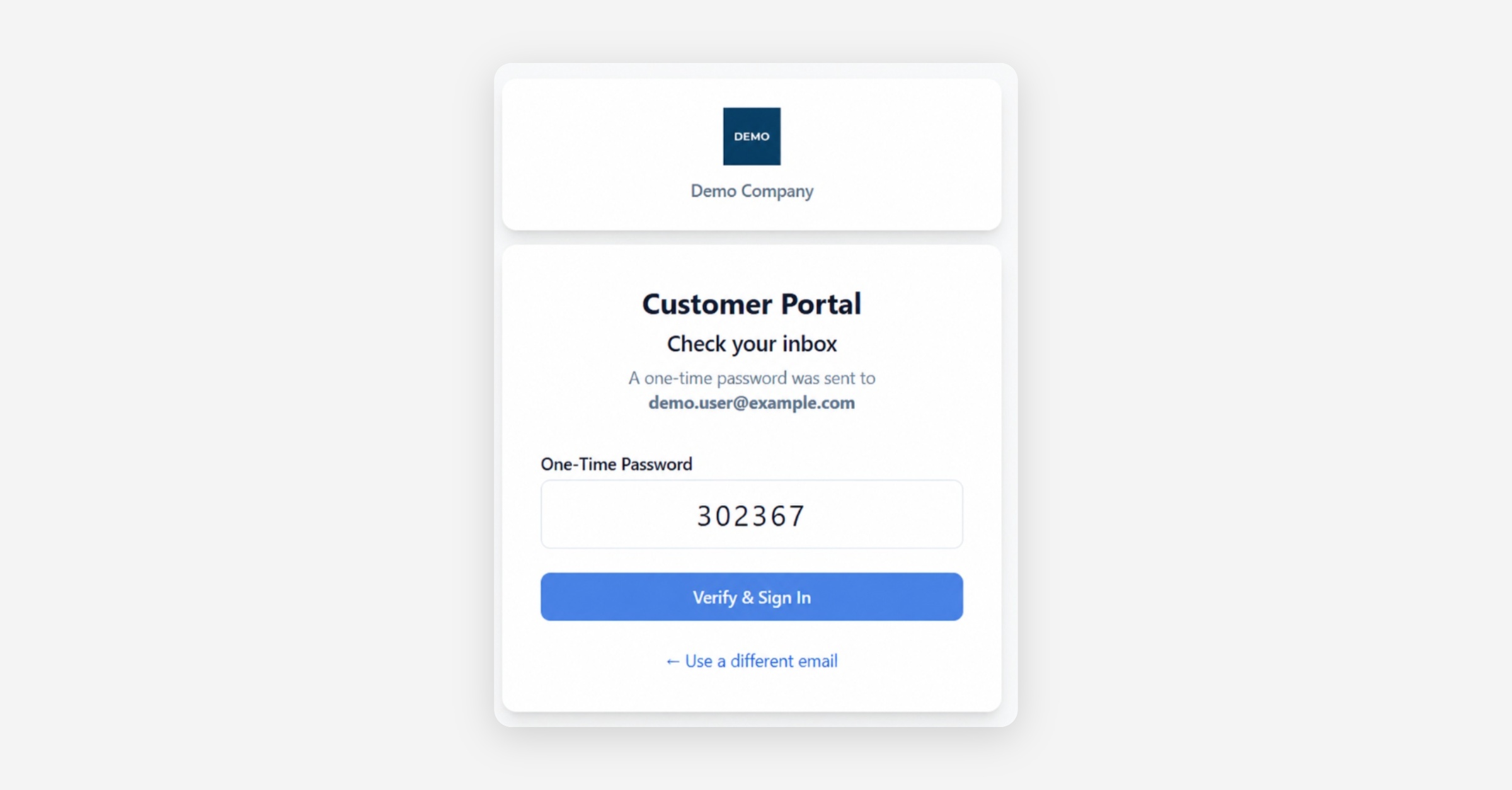
The access code is valid for five minutes. If it expires, return to the login screen and request a new one.
If You Cannot Sign In
Make sure that:
You entered the correct email address.
You used the most recently received access code.
The code has not expired.
The email has not been moved to your spam or junk folder.
If your email address is not recognised or you continue to experience problems, contact the organization that provided your portal access.
Was this helpful?