Troubleshooting
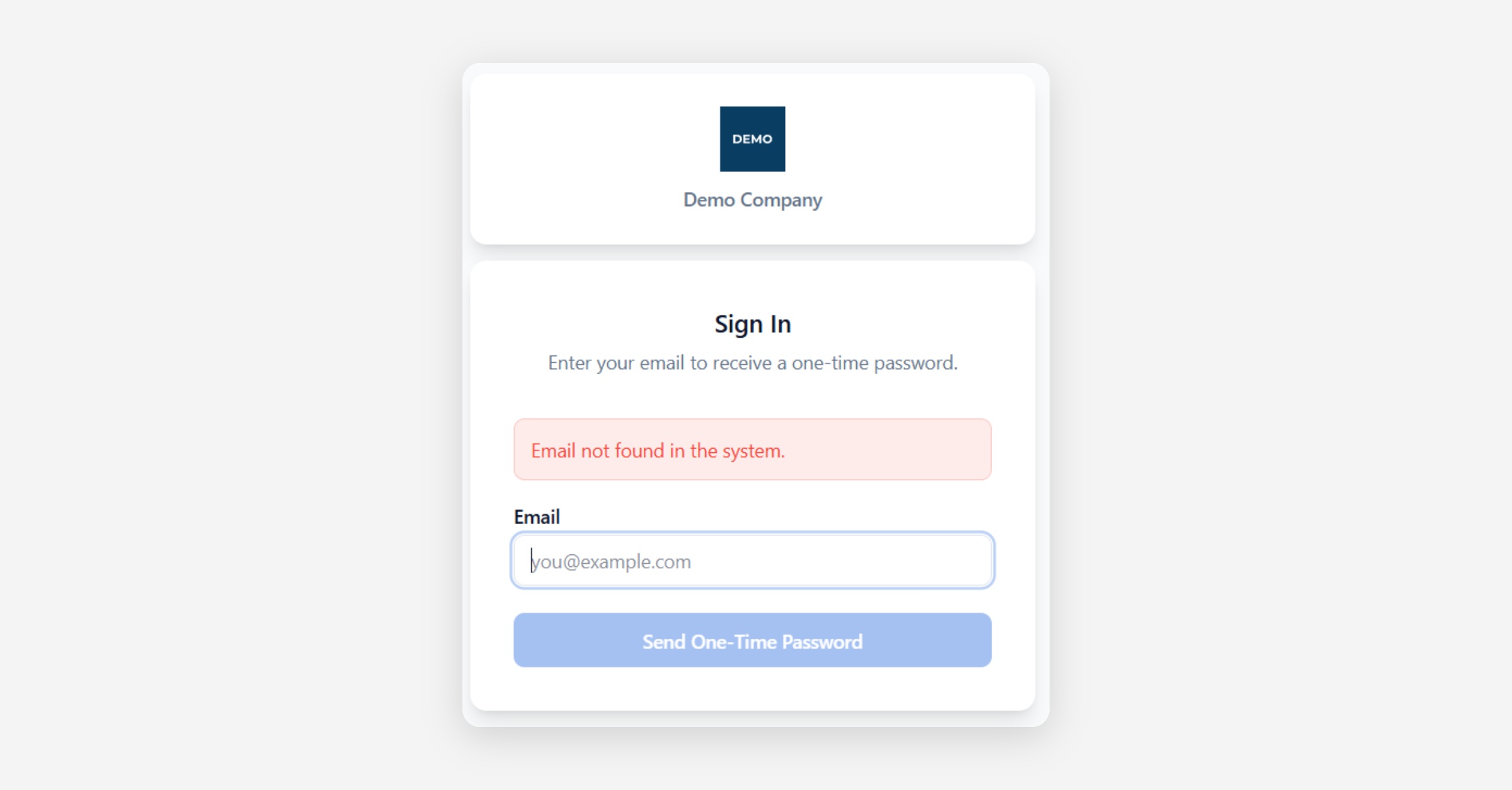
If you experience an issue while using the Customer Portal, first check your internet connection and refresh the page.
Some features may not be available to all users, as access depends on the permissions configured by the company providing the portal.
The table below lists common issues and the recommended actions.
Issue | Recommended action |
|---|---|
I did not receive the one-time password | Check your spam or junk folder and confirm that you entered the correct registered email address. You can then request a new code. |
The one-time password does not work | Make sure you entered the most recent code. OTP codes expire after five minutes and can only be used once. |
My email address is not recognised | Confirm that you are using the email address registered for portal access. If the issue continues, contact the company providing the portal. |
A menu item or feature is not available | Available features depend on your access permissions and the portal configuration. Contact the company providing the portal if you believe access is missing. |
No data is displayed | Check the selected company, date range and any active filters. Refresh the page if the data still does not appear. |
I cannot access another company | Only companies assigned to your account are available in the company selector. |
I cannot upload data | Data submission may not be enabled for your account or for the selected data type. Check that all required fields have been completed and that the file uses the supported format. |
The upload fails | Check the file format, structure and size, then try again. If an error message appears, use its details to correct the file before resubmitting it. |
A document does not open or download | Check your browser’s download settings and allow downloads from the portal. Then try again. |
The page is not displayed correctly | Refresh the page or open the portal in another modern browser. Clearing the browser cache may also resolve display issues. |
My session has expired | Sign in again using a new one-time password. |
The issue continues | Contact the company providing the portal and include the affected page, the approximate time of the issue and a screenshot of any error message. |
Was this helpful?