Introduction - Useful Information
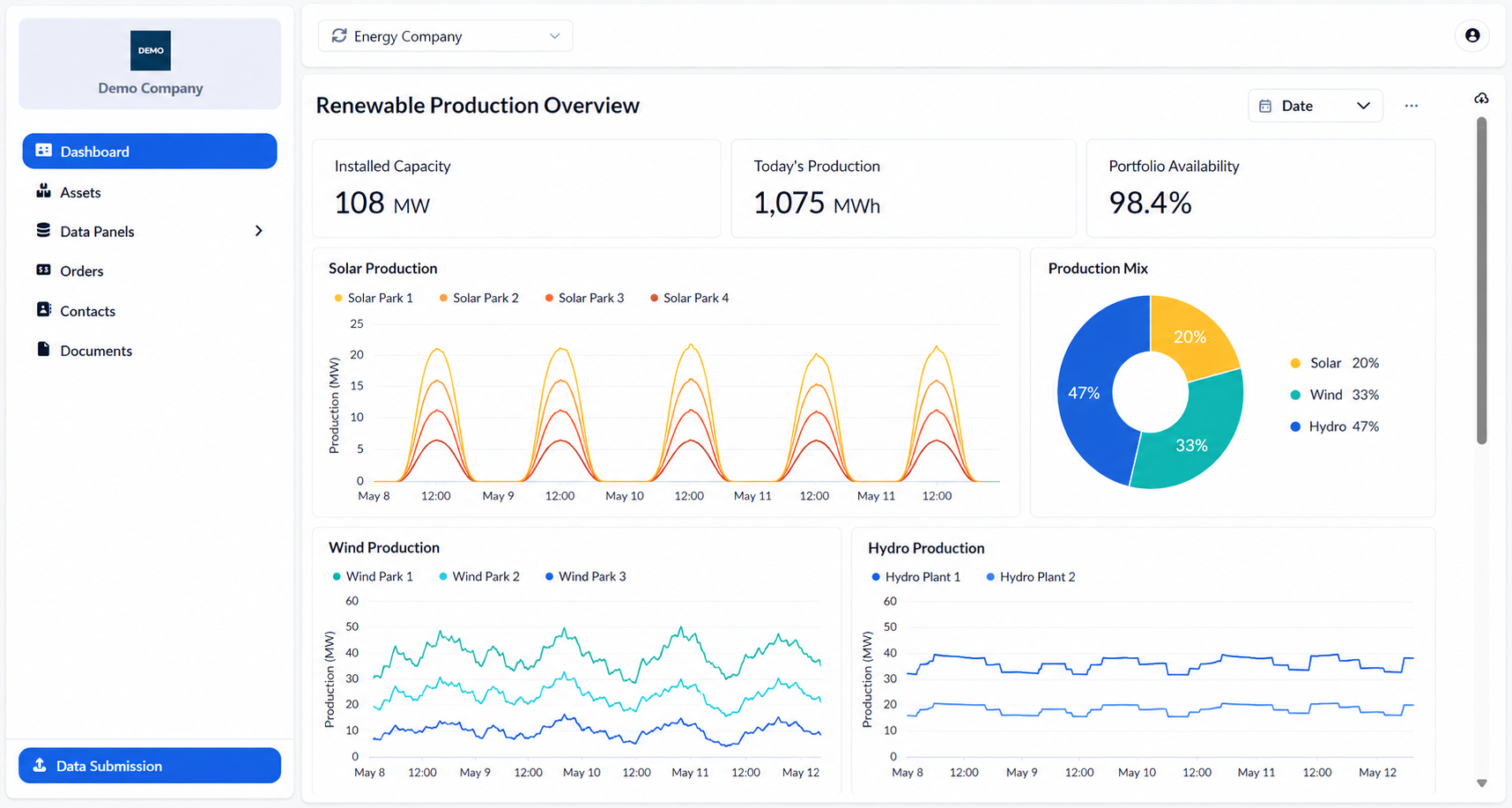
The ATLAS Customer Portal gives you secure access to the information and documents shared with your organization. This Help Center explains how to sign in, navigate the portal and use its available features.
What You Can Do
Depending on the access provided to your organization, you may be able to:
View dashboards and key information.
Review your contracts, assets and invoices.
Access and download shared documents.
View information and data related to your organization.
Submit or update data through the available Data Panels.
Find the relevant contact information.
Some sections or actions described in the Help Center may not be available to every user.
Before You Start
The portal works on desktop and mobile browsers and does not require any software installation.
To access it, you need:
An active internet connection.
An email address registered for portal access.
The Customer Portal link provided by your organization.
You do not need to create an account or manage a password. Each time you sign in, a one-time access code is sent to your registered email address.
Was this helpful?