Switching Between Companies
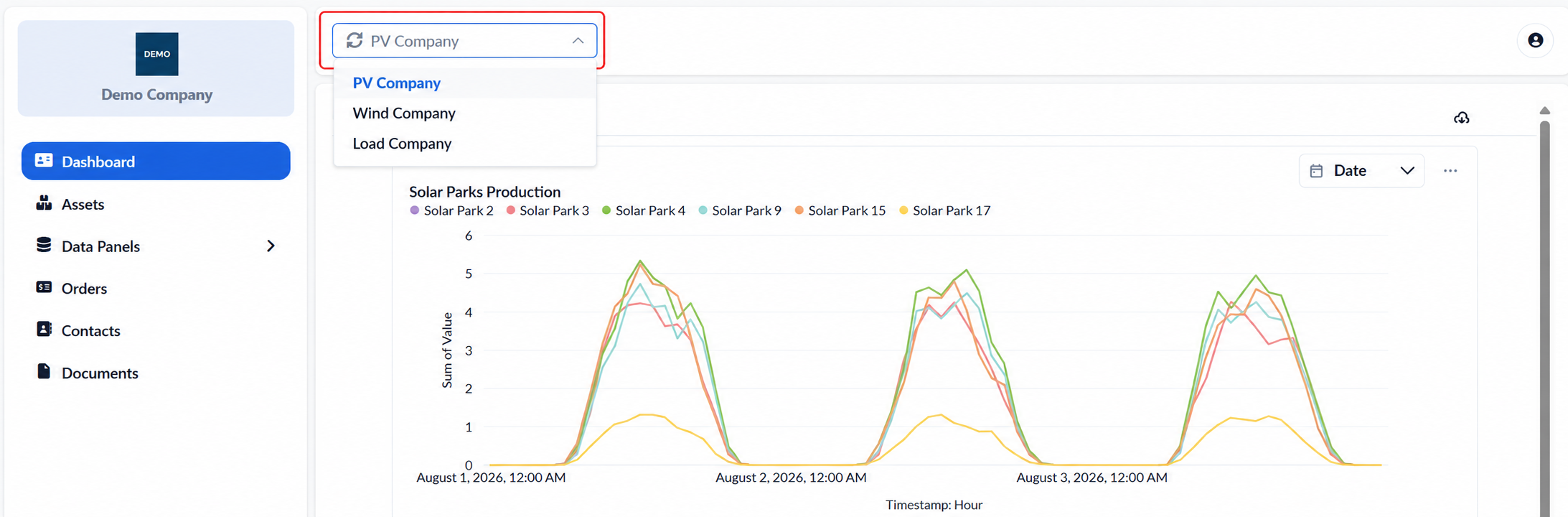
A user may be associated with more than one company through the same registered email address. In this case, the company selector is displayed in the top-left corner of the portal and provides access to all available companies without requiring a new sign-in.
Opening the selector displays the companies linked to the user. Selecting a different company changes the active company context and updates the portal accordingly. The Dashboard, Assets, Data Panels, Orders, Contacts and Documents pages display only the information available for the selected company.
The name of the active company remains visible in the top bar across all pages.
Users should confirm the selected company before reviewing or downloading information, particularly when switching regularly between different company accounts.
Was this helpful?