Signing Out
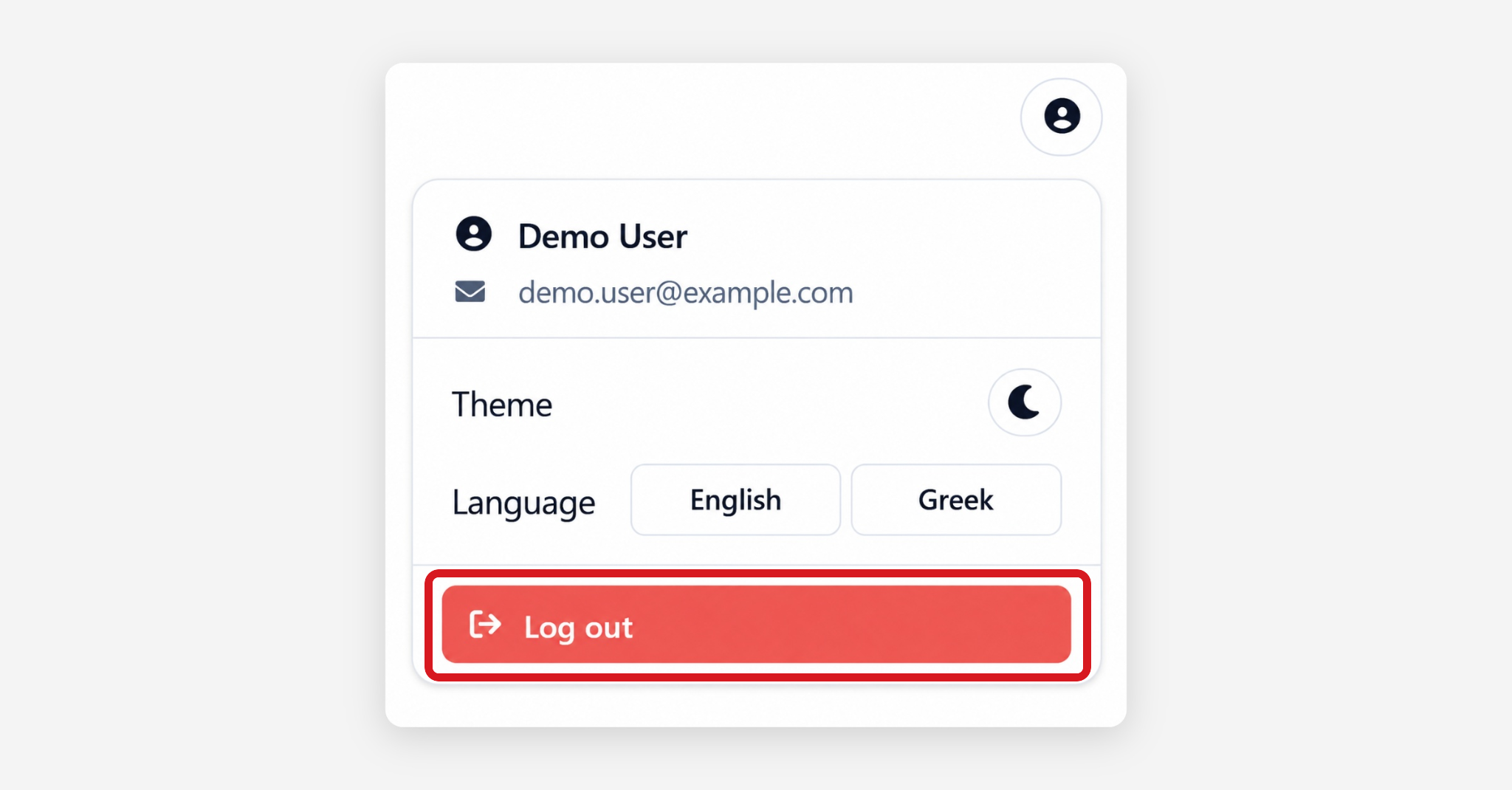
To end the current session, open the user menu from the profile icon in the top-right corner and select Log out.
The portal returns to the sign-in screen, and a new one-time password is required the next time the user signs in.
Users should always log out when accessing the portal from a shared or public device.
Was this helpful?