Viewing Your Contacts
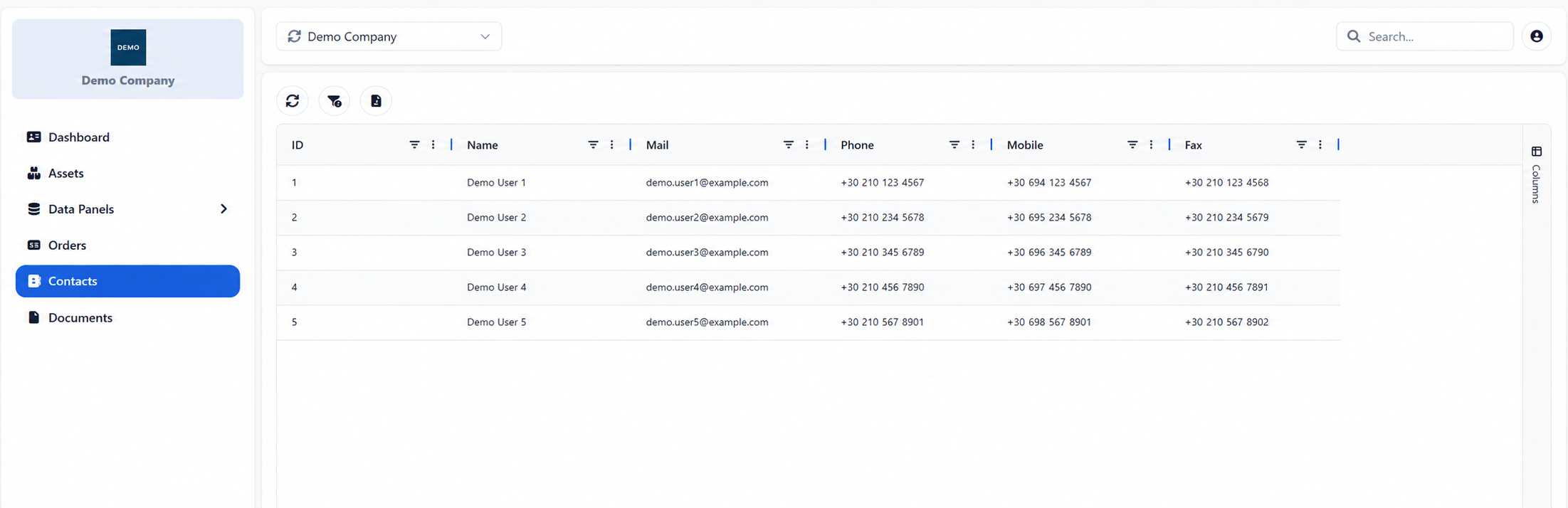
The Contacts page displays the contact details available for the selected company. The information is read-only and provides a central directory for identifying and contacting the relevant people within the company.
The Search field can be used to locate a contact using any information displayed in the table. The common filtering, sorting, column-management and export options described in Searching, Filtering and Exporting Information are also available.
Appendix - Field Details
Field / Element | Description |
|---|---|
ID | System-assigned numeric identifier of the contact. |
Name | Full name of the contact person. |
Registered email address of the contact. | |
Phone | Office or landline telephone number, where available. |
Mobile | Mobile telephone number, where available. |
Fax | Fax number, where available. |
Was this helpful?