Viewing Your Dashboard
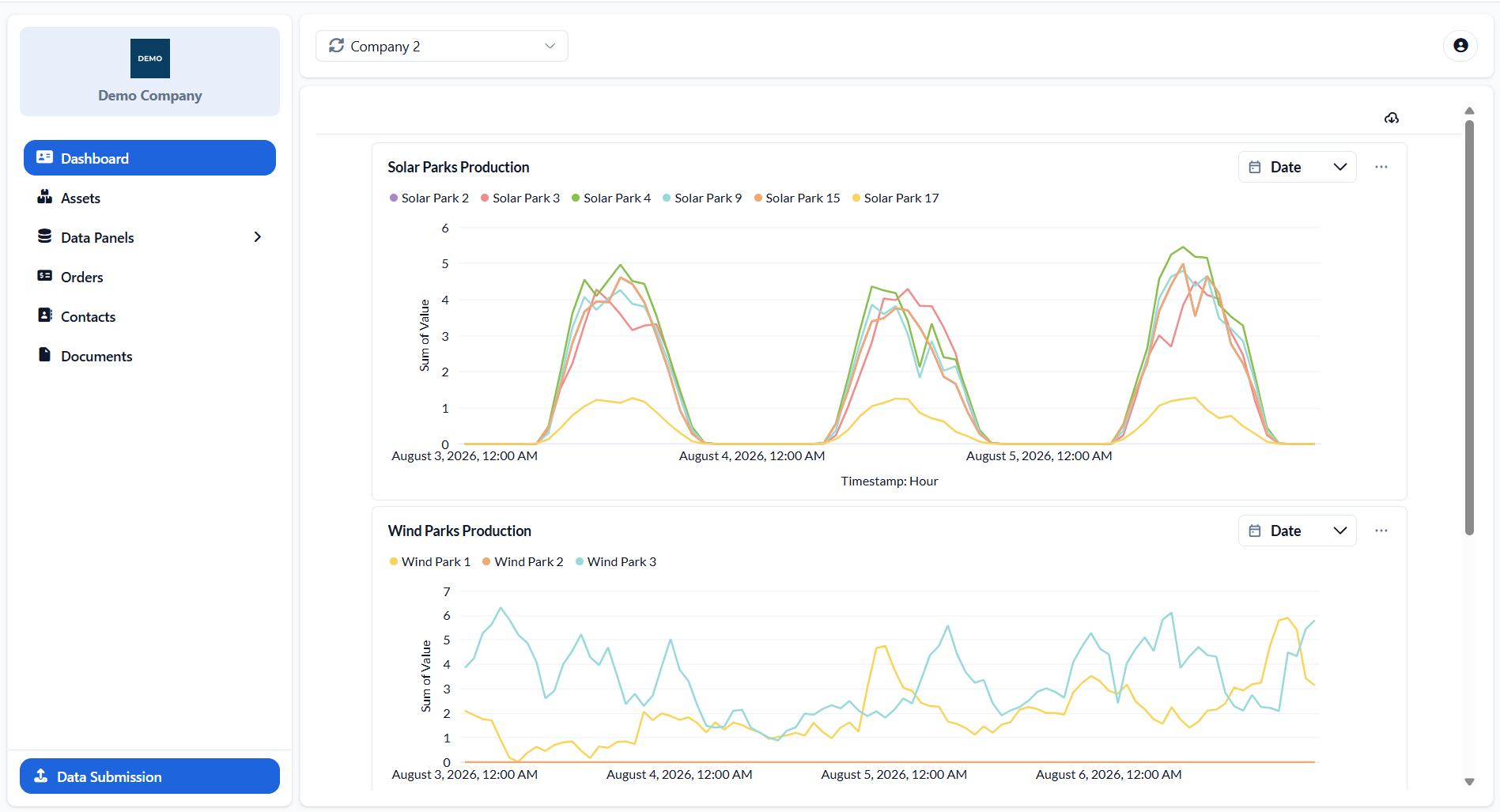
The Dashboard is the home screen displayed after signing in. It provides an overview of the selected company’s information through embedded charts, indicators and summary cards. The dashboard content and title are configured by the portal administrator and may therefore differ between companies.
Where available, filters can be used to focus the displayed information on a specific period, asset or other relevant criteria. Selecting a filter updates the dashboard accordingly.
Downloading Dashboard Information
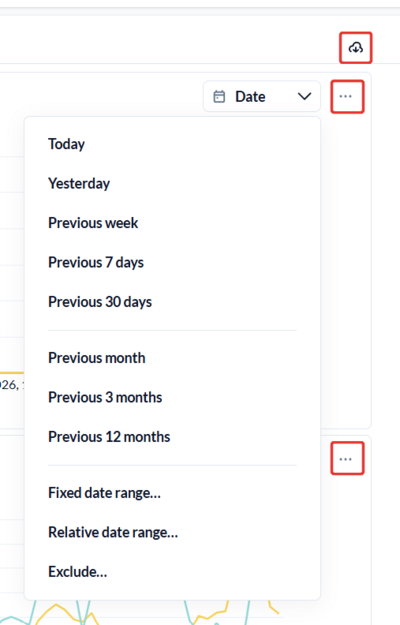
The complete dashboard can be downloaded in PDF format using the download button in the top-right corner.
Individual charts or tables may also provide a three-dot menu with options to download their results in formats such as CSV, XLSX, JSON or PNG. The available options depend on the type of visualisation.
Was this helpful?