Changing Language and Display Theme
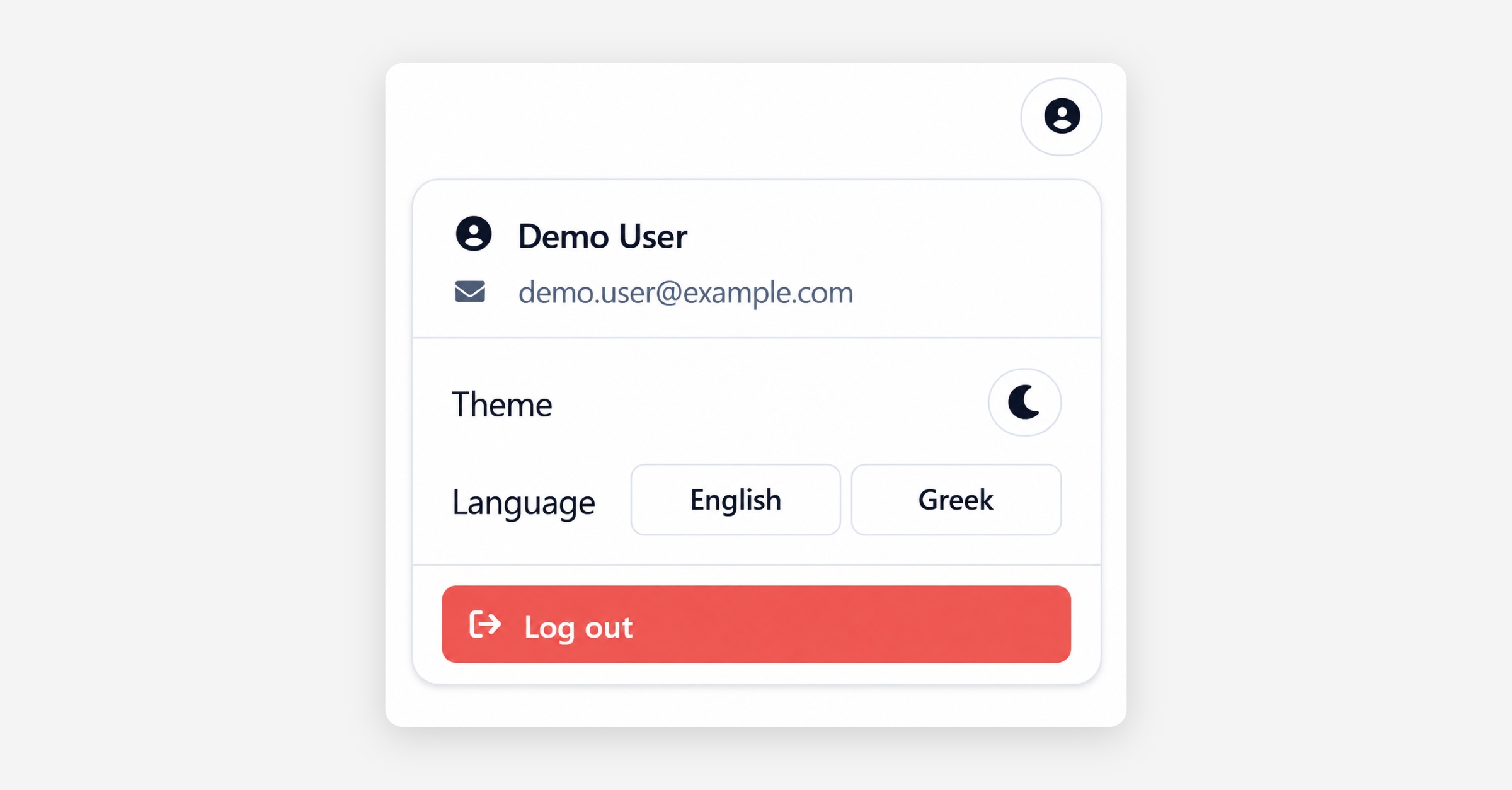
The portal’s language and display theme can be adjusted from the user menu, available through the profile icon in the top-right corner.
The menu displays the user’s name and registered email address, together with the available personalisation options. Under Theme, the toggle switches the portal between light and dark mode, allowing users to select the display that is most comfortable for their working environment.
Under Language, users can switch between English and Greek. The portal interface, including navigation labels and available controls, is updated to the selected language.
These preferences affect only the current user’s portal experience and do not change the information displayed or the settings of other users.
Was this helpful?