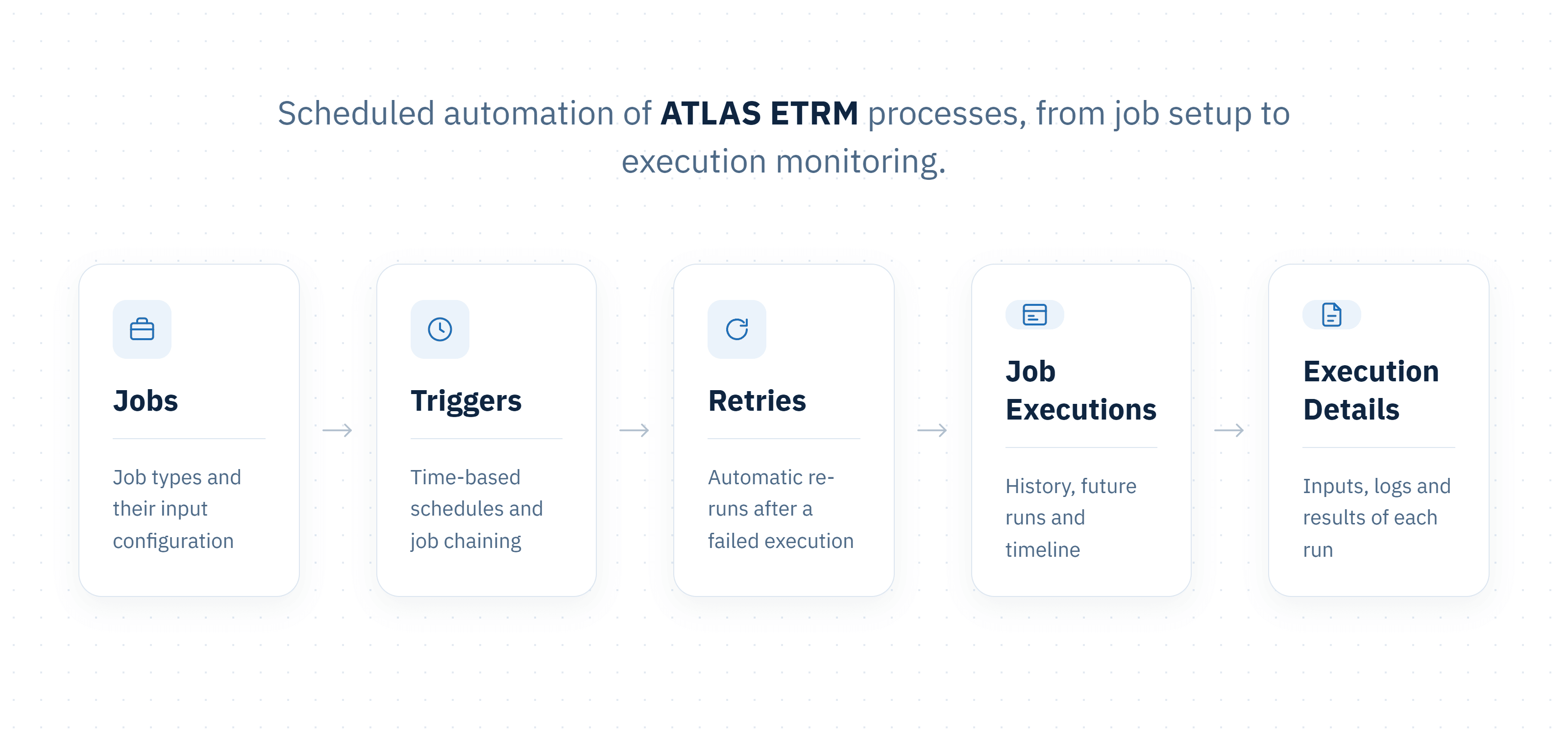
The Job Manager is the central environment for automating recurring processes in ATLAS. It allows users to define the calculations, data transfers, order generation and reporting tasks that the platform should perform, decide when each one should run, and follow every run from start to finish. Instead of starting each step by hand, users let the Job Manager run these processes on a schedule or in sequence, so that data, curves, orders and reports are ready when the business needs them.
A job is the saved configuration of a process: what it does, which inputs it uses, when it is triggered and how it should react to a failure. An execution is a single run of that job at a specific point in time. Each execution keeps its own record of the settings it used, the messages it produced and, where applicable, its results, so users can review exactly what happened in any past run. Because the configuration and the run history are kept separately, a job can be changed without losing the record of how its earlier runs behaved.
Typical uses of the Job Manager include:
• Market data and curves: copying timeseries between sources and working series, and building forward curves from the latest traded prices.
• Settlement preparation: calculating order items, grouping deals into deal collections and grouping order items into orders for invoicing.
• Market operations: generating and submitting day-ahead, intraday and balancing market orders, forward market nominations and asset optimisation runs.
• Reporting: saving scheduled snapshots of BI reports and producing regulatory reports.
Jobs can also be linked, so that one job starts as soon as another finishes. This makes it possible to build chains such as loading a forecast, generating orders from it and notifying the trading desk, with automatic retries if a step fails and live monitoring of every run.
The module consists of two pages. Jobs is where jobs are created, scheduled and maintained. Job Executions provides a live view of past, running and upcoming executions, together with the details of each run.
The job types available to each user depend on the ATLAS modules activated for their organisation and on the permissions assigned to their role.