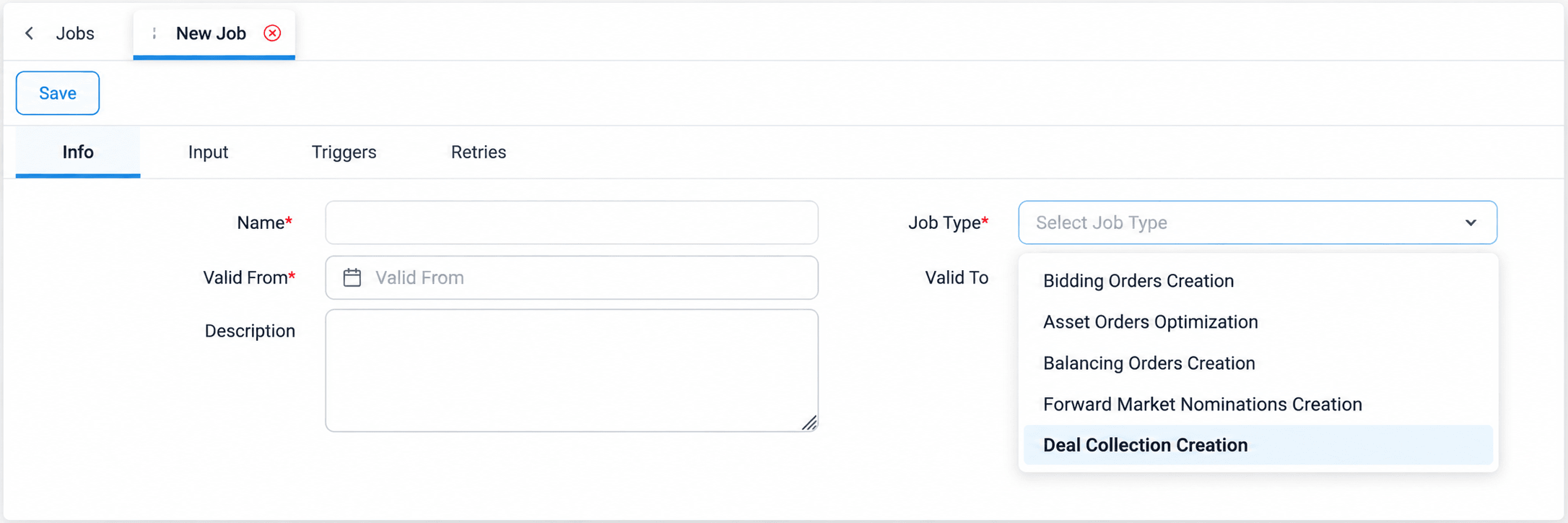
Each job type automates a specific business process in ATLAS and comes with its own set of input parameters, configured in the Input tab of the job. The table below lists the job types described in this section and the main inputs each one requires.
Job Type | Purpose | Main Inputs |
Forward Curve Calculation | Calculates and stores forward price curves. | Commodity index, spot and forward curve timeseries, seasonality options, save strategy |
Order Items Calculation | Calculates order items for a selection of deals. | Deal query |
Deal Collection Creation | Groups deals into deal collections. | Deal query, collection type, groupings |
Orders Creation | Groups order items into orders. | Order item query, order type, groupings |
Timeseries Copy | Copies values between timeseries. | Source and target timeseries, timezone, date range or offset |
Bidding Orders Creation | Generates and submits day-ahead and intraday orders. | Market, day offset, entities, strategy, price, job action, email |
Balancing Orders Creation | Generates and submits balancing market offers. | Balancing order type, day offset, entities, job action, email |
Forward Market Nominations Creation | Generates and submits forward market nominations. | Day offsets, forward contract and physical delivery nominations, job action, email |
BI Report Snapshot | Saves scheduled snapshots of BI reports as files. | Document Manager folder, reports and file formats, file naming |
Compliance Reporting | Produces and submits regulatory reports. | Order query, time window, reports, output folder |
The job type is selected in the Info tab of a new job. The list can be searched by typing part of the name, and it shows only the job types enabled for the organization.